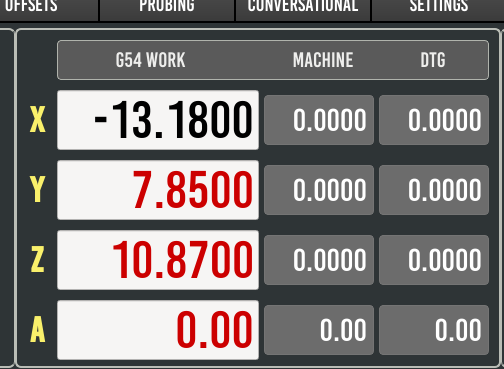
Now that I've got the user tabs, ATB buttons, and user DRO showing up, the next snag is creating hal pins.
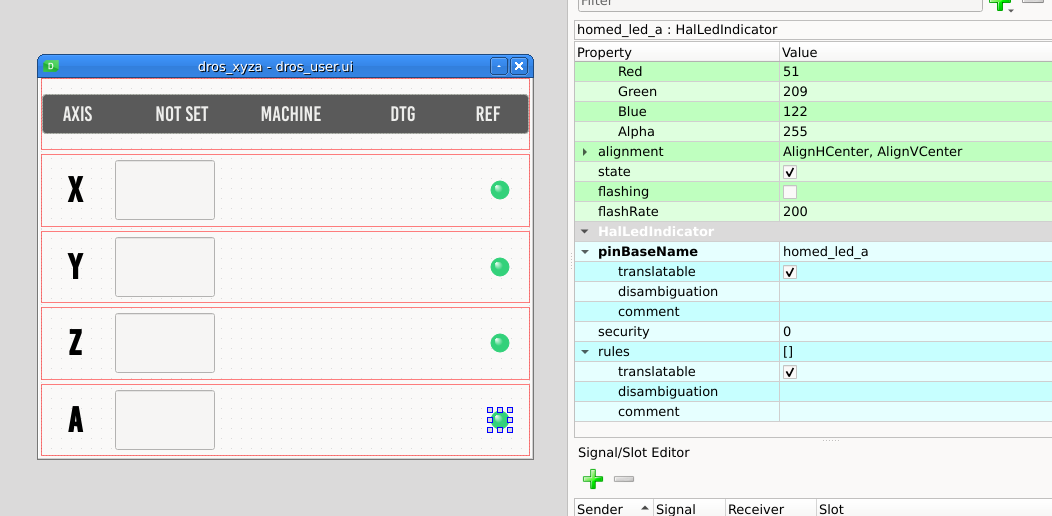
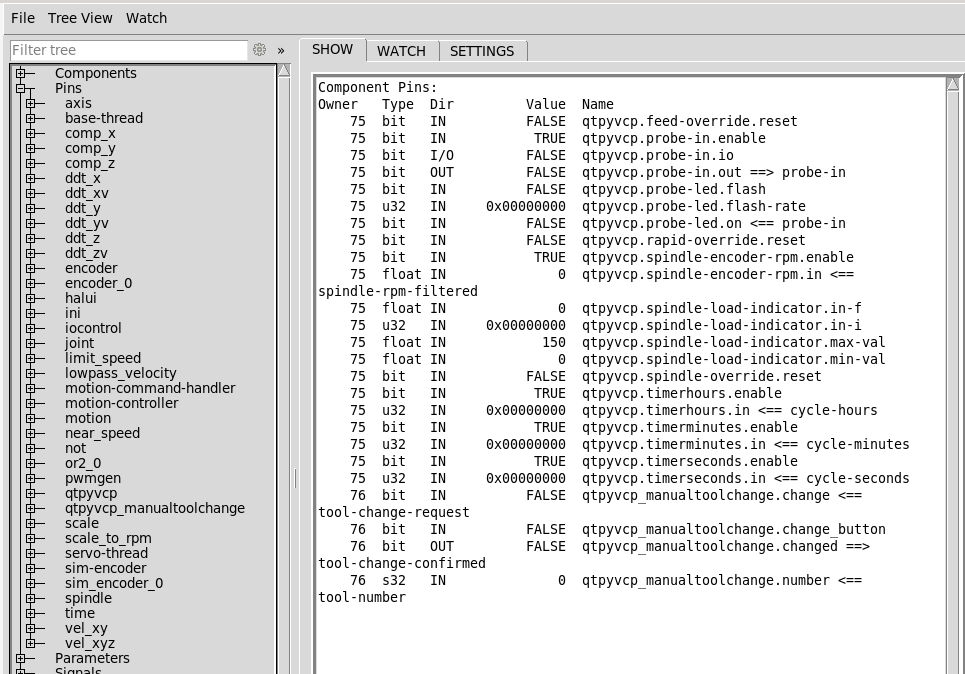
I added some hal LED indicators to my custom DRO panel, but they aren't being created when LCNC/PB is started. At least they don't appear in halshow.
Dragged & dropped a HalLedIndicator in the panel
edited the object name
edited the pinBaseName
Just trying to get an on-screen indicator of an "is-homed" status.
I remember running in to this issue a few years ago - that time I was missing the lines in custom_config.yml:
Code:
exportedhal:
provider: qtpyvcp.plugins.exported_hal:ExportedHal
I added the above under
data_plugins: but still no joy.
Do I need to add this:
Code:
from qtpyvcp import hal
# create a new component and add some pins
comp = hal.getComponent("loop-back")
comp.addPin("in", "float", "in")
comp.addPin("out", "float", "out")
# mark the component as 'ready'
comp.ready()
# define a function to call when the input pin changes
def onInChanged(new_value):
# loop the out pin to the in pin value
comp.getPin('out').value = new_value
# connect the listener to the input pin
comp.addListener('in', onInChanged)
To the dros_user.py file somewhere?