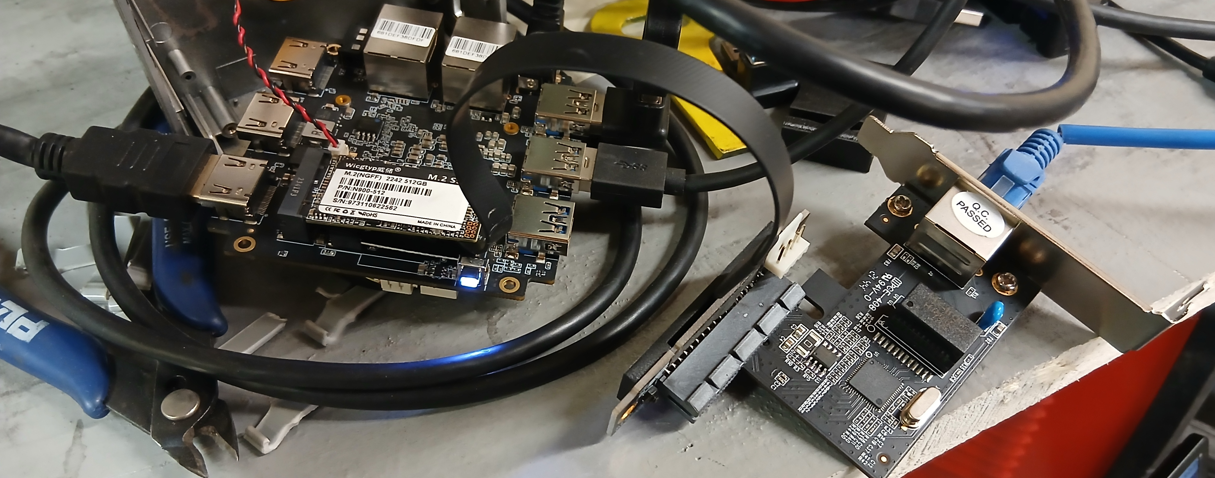
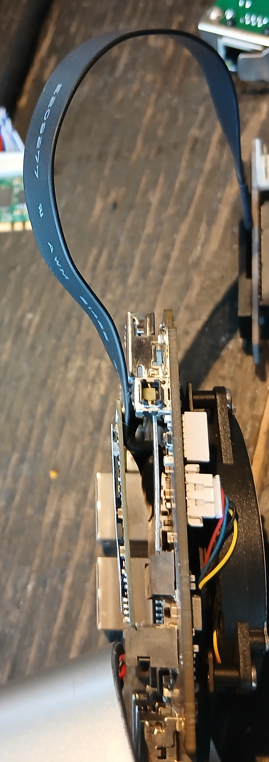
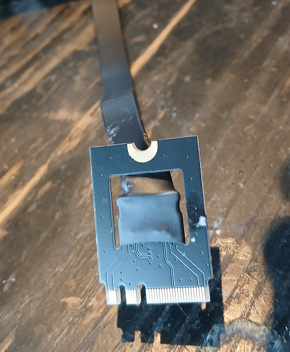
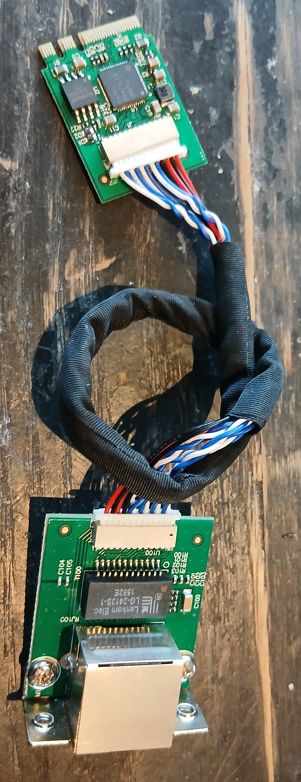
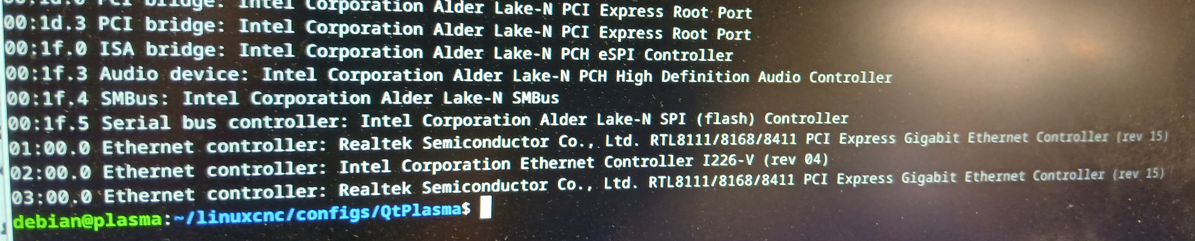
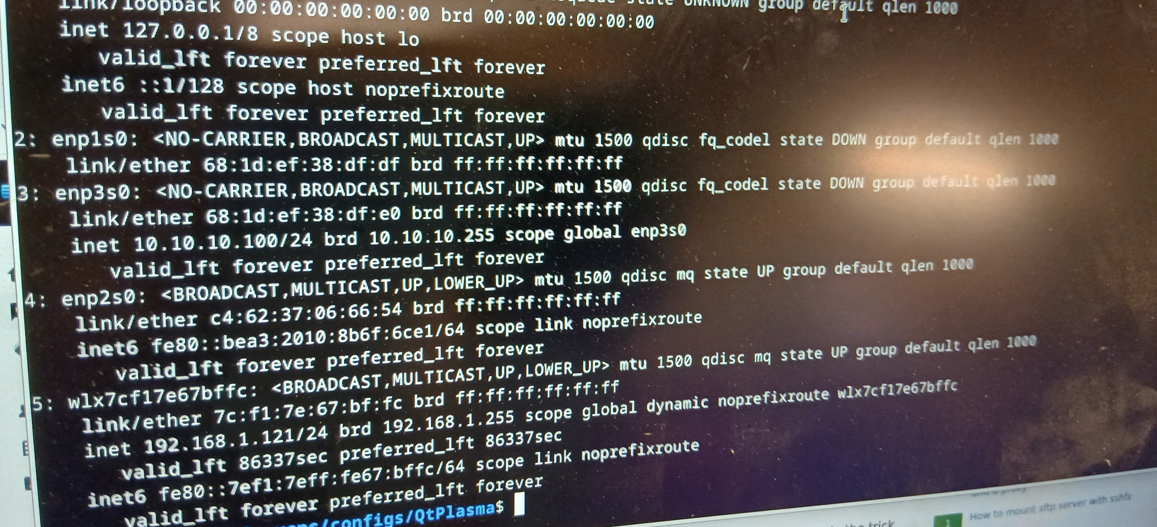
Next I tested a M.2 ethernet adapter, Intel I226 on a M.2 card and a cable to lead out to the RJ45 connector.
It's the same M.2 A+E key 2230 size card.
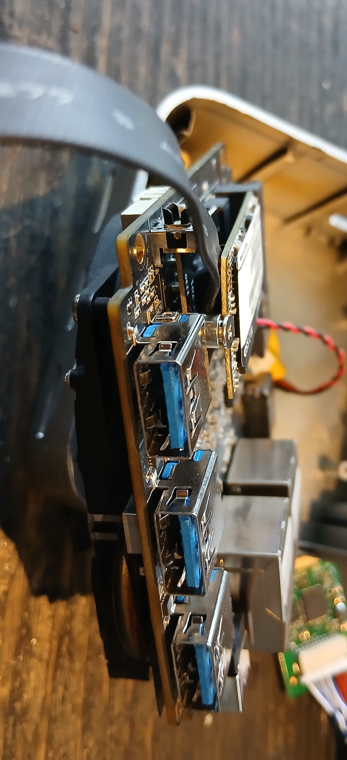
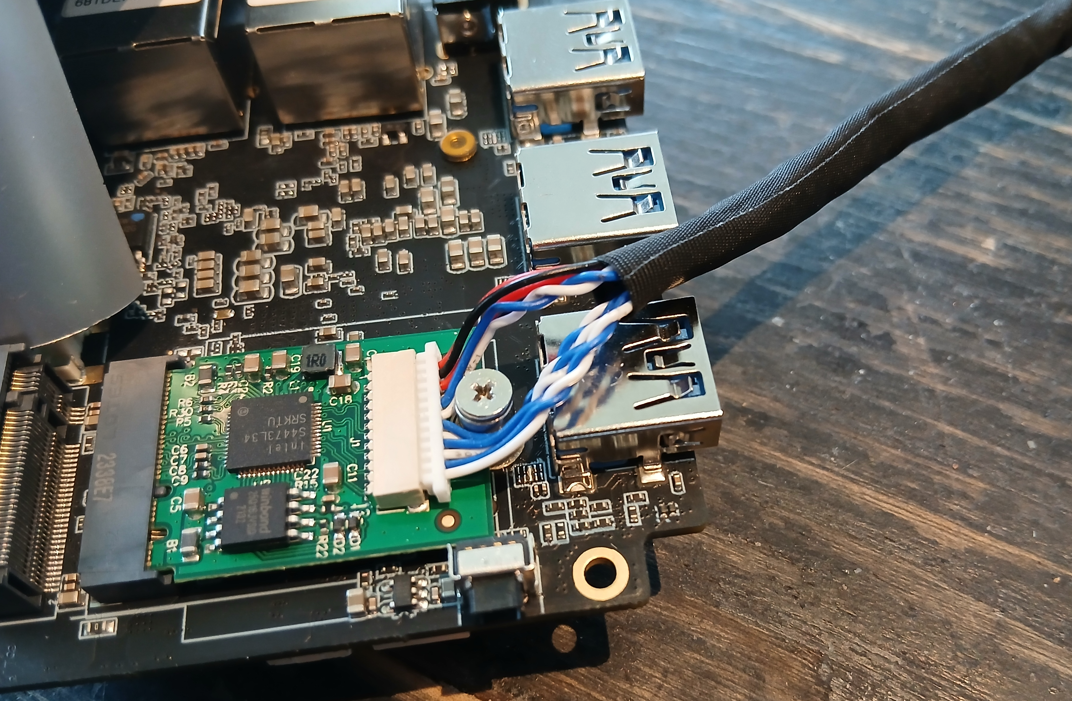
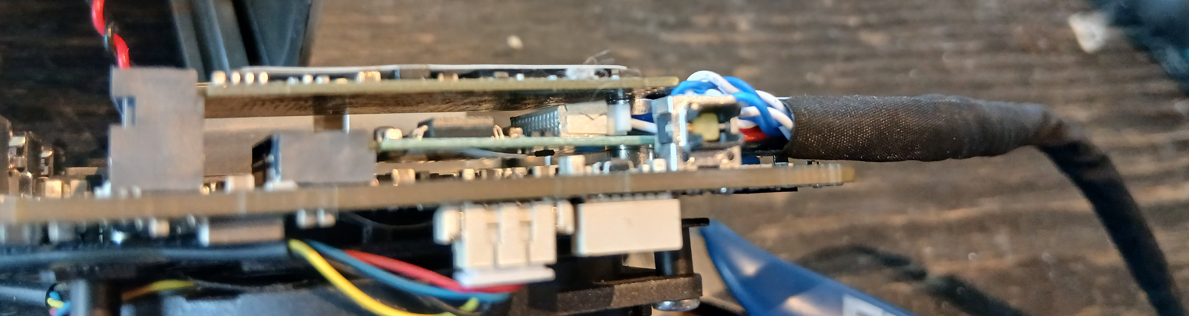
It turns out the cable runs over the screw also in this case. The cables are now much thinner and much easier to bend so it isn't particularly easy to make room for the securing screw but can be done. I think I broke the connector on the board but it continues to work.
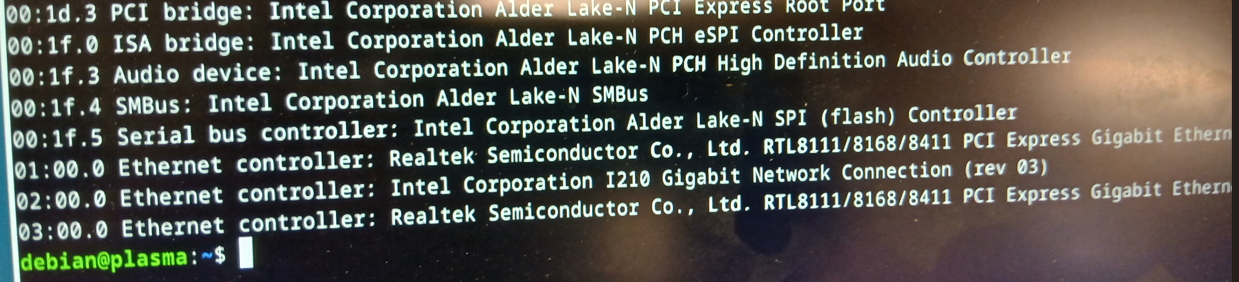
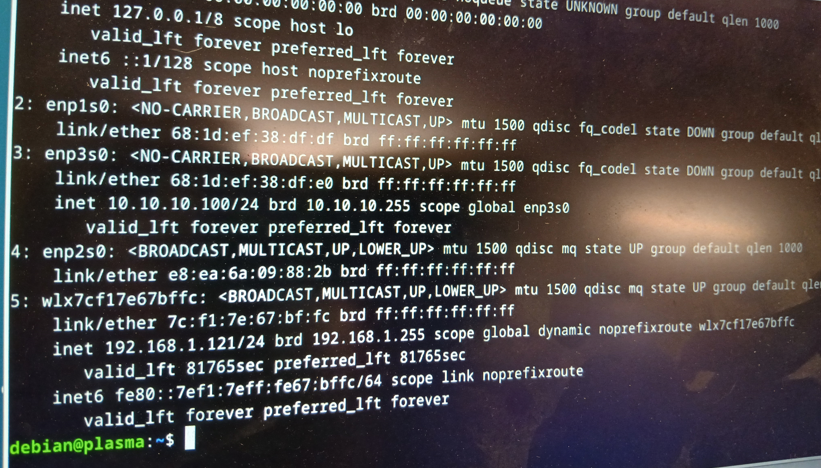
The function was just as good with this M.2 network adapter. The adapter showed up in the pci listing automatically, showed up in the interfaces list also automatically and when I switched ethercat config to this new network adapter, ethercat worked just as well.
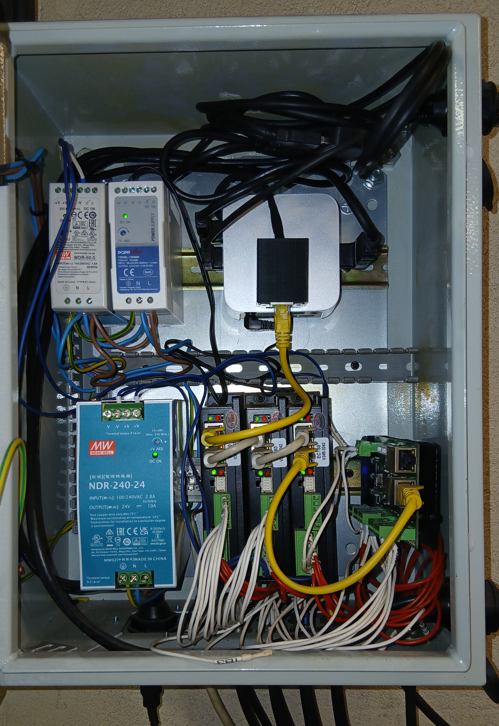
I decided to use this one, mostly because it was easier to make a nice installation. Here it is where the RJ45 connector is in a plastic housing, glued to the top of the T8.
The verdict: It works. Tricky with the cables on the M.2 board. Easier to make a nice installation of the RJ45 connector.
For both these ways of adding a network board to a mini-PC I must say that there are many ifs and buts and maybes that need to be figured out beforehand. The absolute recommendation is to buy the right system to start with.
I tried to follow that advice and looked around for another N100-based motherboard and there are a few out there, even with Intel network adapter.
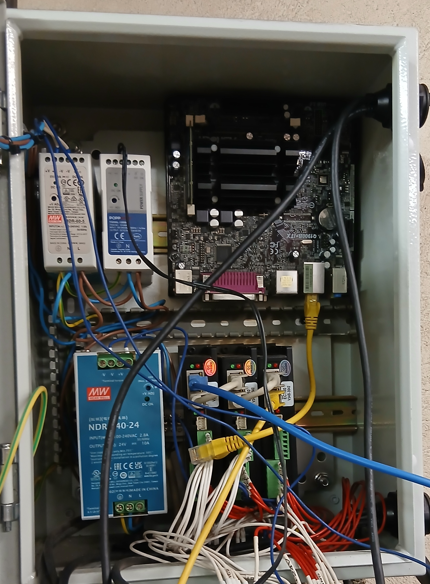
I test-fitted it in the cabinet, I used my old trusty J1900 board. And while there is room for it, there isn't much extra room. And the QtPlasma interface can use more CPU power me think.
In the end I thought this could be a fun experiment. And as i happens both products work.