Original Gmoccopy setting all gone

More
1 year 11 months ago #315342 by raychar
   

File Attachment:

File Name: my_LinuxCN...1-27.ini
File Size:7.37 KB


Please Log in or Create an account to join the conversation.
More
1 year 11 months ago #315343 by raychar
Hello,
As shown in previous message...
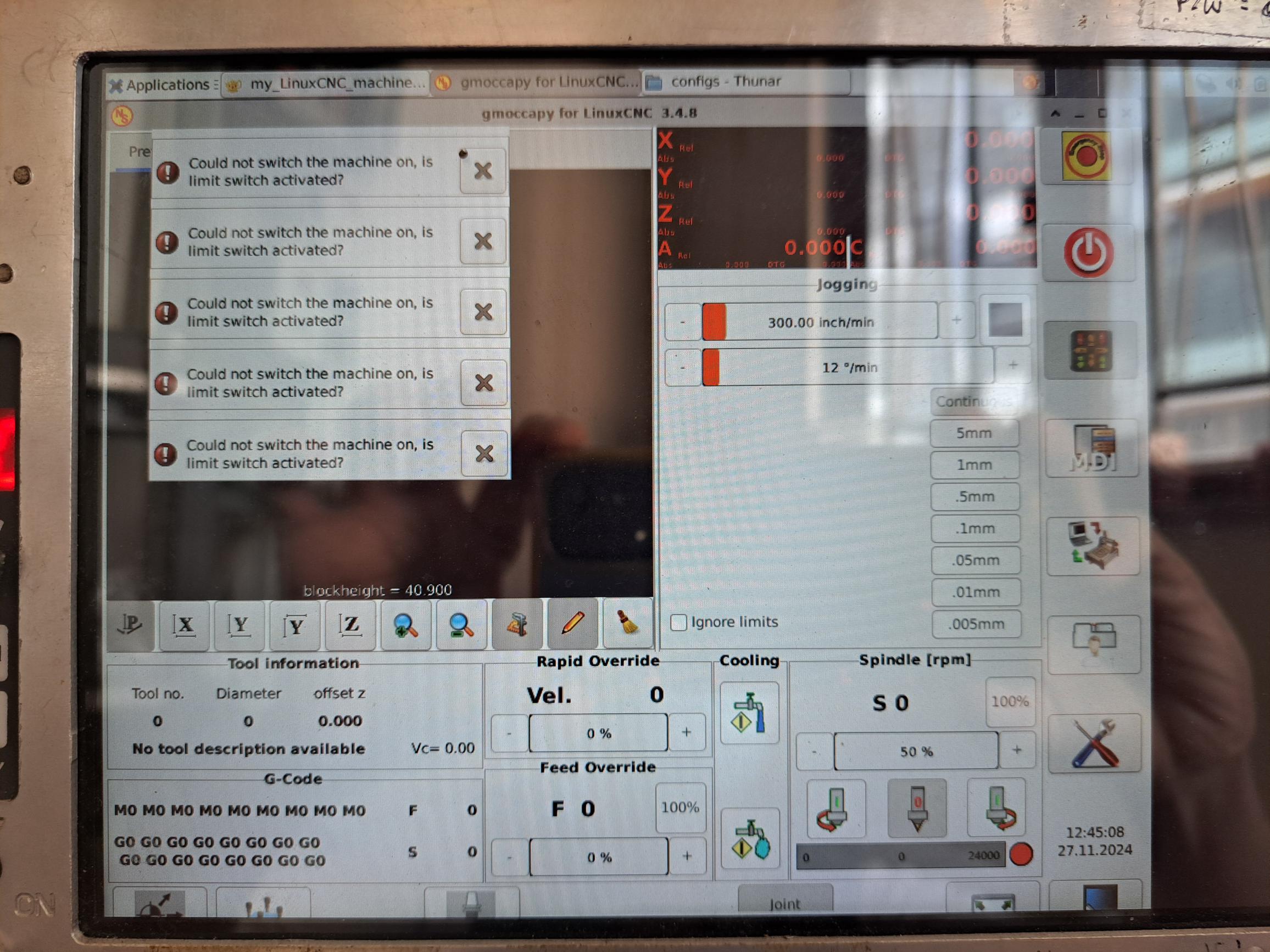
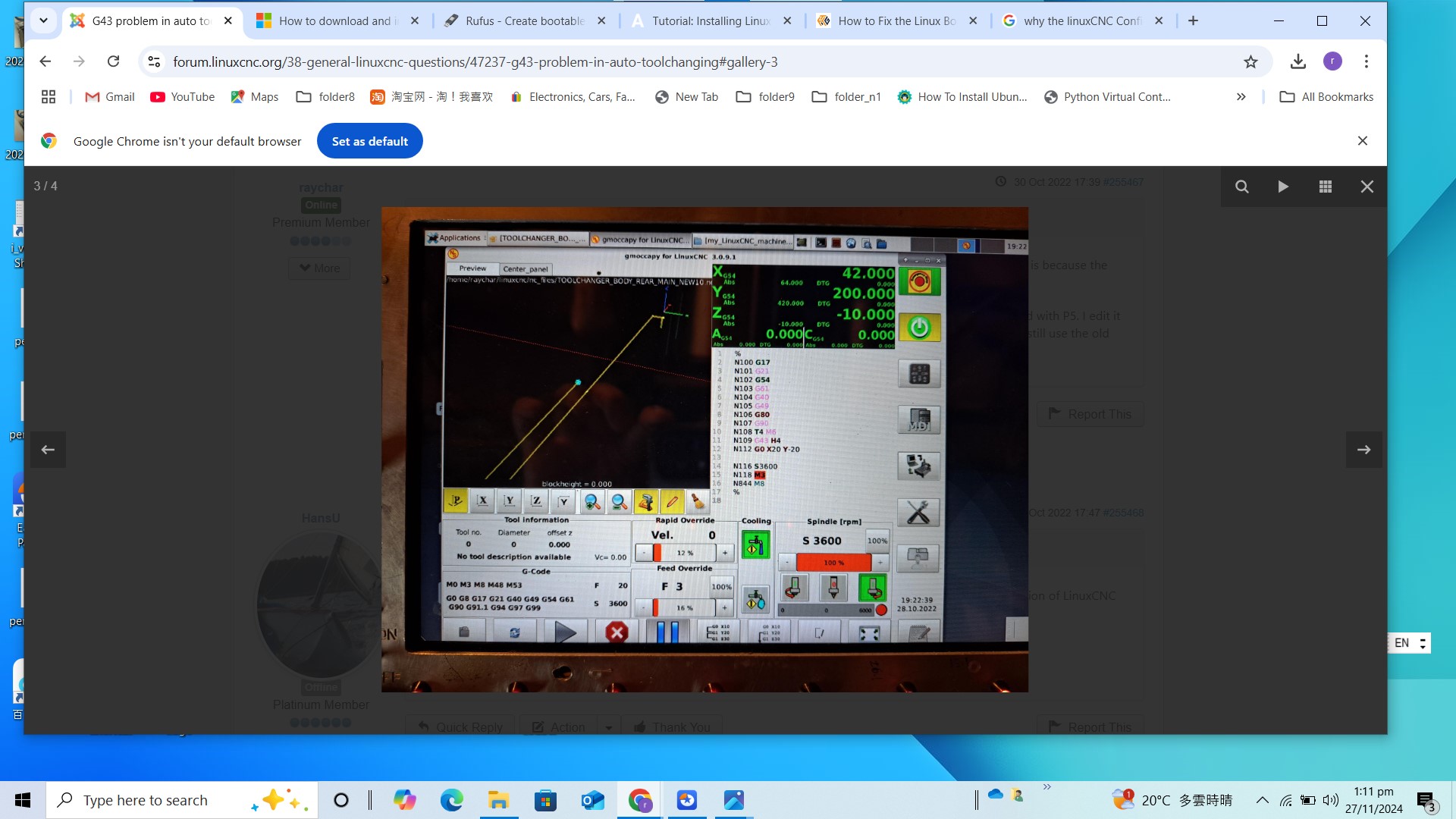
Recently, I wholly upgrade my Linuxcnc the the lastest version, after putting my orignal config files to the new Linuxcnc system, when Gmoccapy screen opens, all the original settings disappeared, what's the problem, how can it be resoved?

Please Log in or Create an account to join the conversation.
More
1 year 11 months ago - 1 year 11 months ago #315350 by Aciera
Which version did you upgrade from?
Last edit: 1 year 11 months ago by Aciera.

Please Log in or Create an account to join the conversation.

More
1 year 11 months ago #315369 by raychar
upgrading from linuxcnc 2.8.4 and Gmoccapy version 3.0.91
to linuxcnc 2.9.3 and Gmoccapy version 3.4.8

Please Log in or Create an account to join the conversation.

More
1 year 11 months ago #315370 by raychar
As well, I replaced with a new mSATA drive in my mini computer for doing the whole update....just in case i can go back to old version. Will this afftect?

Please Log in or Create an account to join the conversation.

More
1 year 11 months ago #315372 by Aciera
Since you seem to be loading some custom panels you may have a Python/Gtk version issue. Linuxcnc version 2.9 and up no longer supports Python2 /Gtk2 but only Python3/Gtk3.

I would suggest to open a terminal (Ctrl + Alt + t) and start linuxcnc from the comand line:
Code:
linuxcnc
Choose your config and check the terminal output for errors.

Please Log in or Create an account to join the conversation.

Time to create page: 0.168 seconds
Powered by Kunena Forum
