LinuxCNC Dual-Head Gantry Setup Assistance Request

More
1 year 5 months ago #328343 by akim14
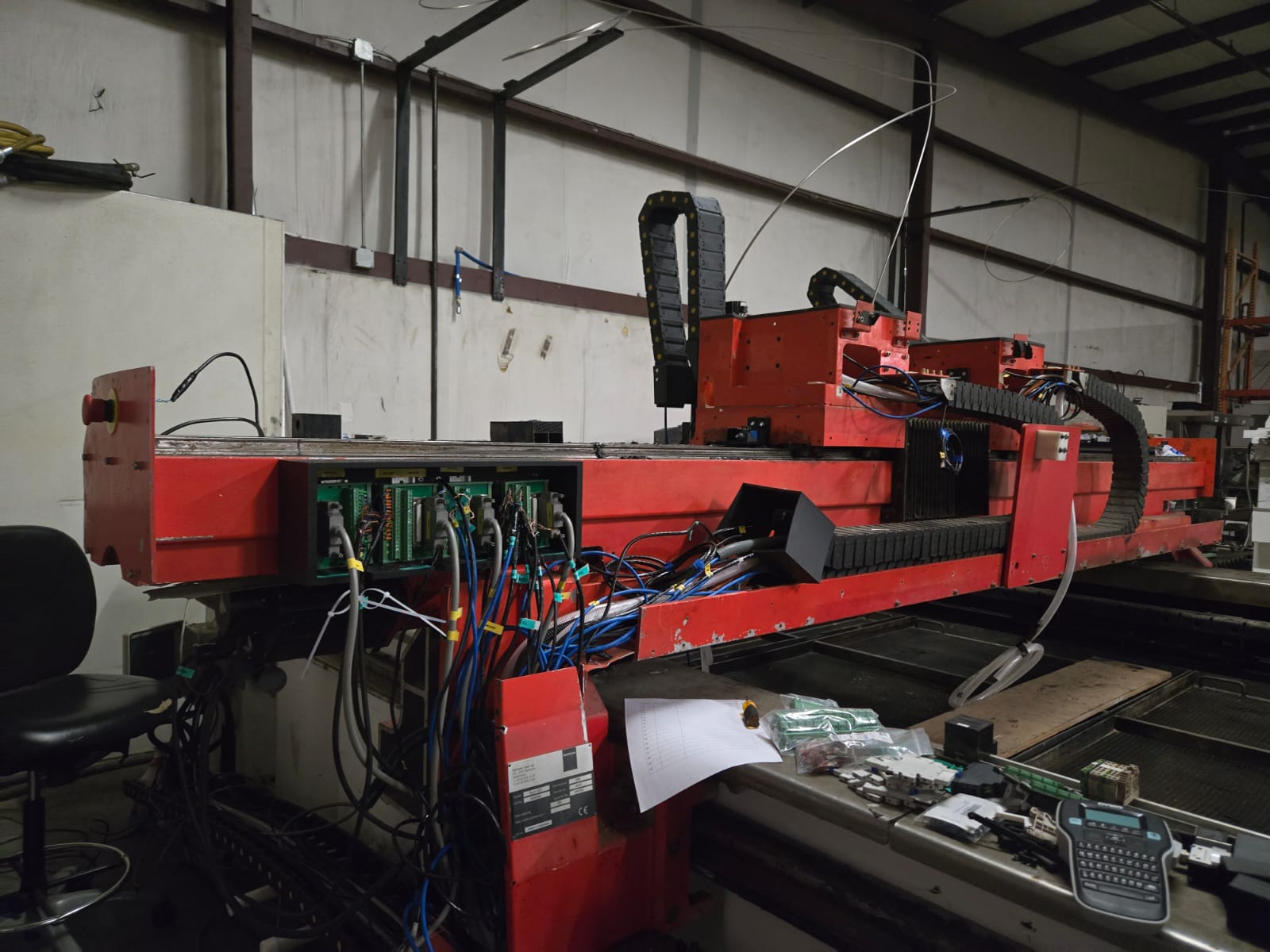
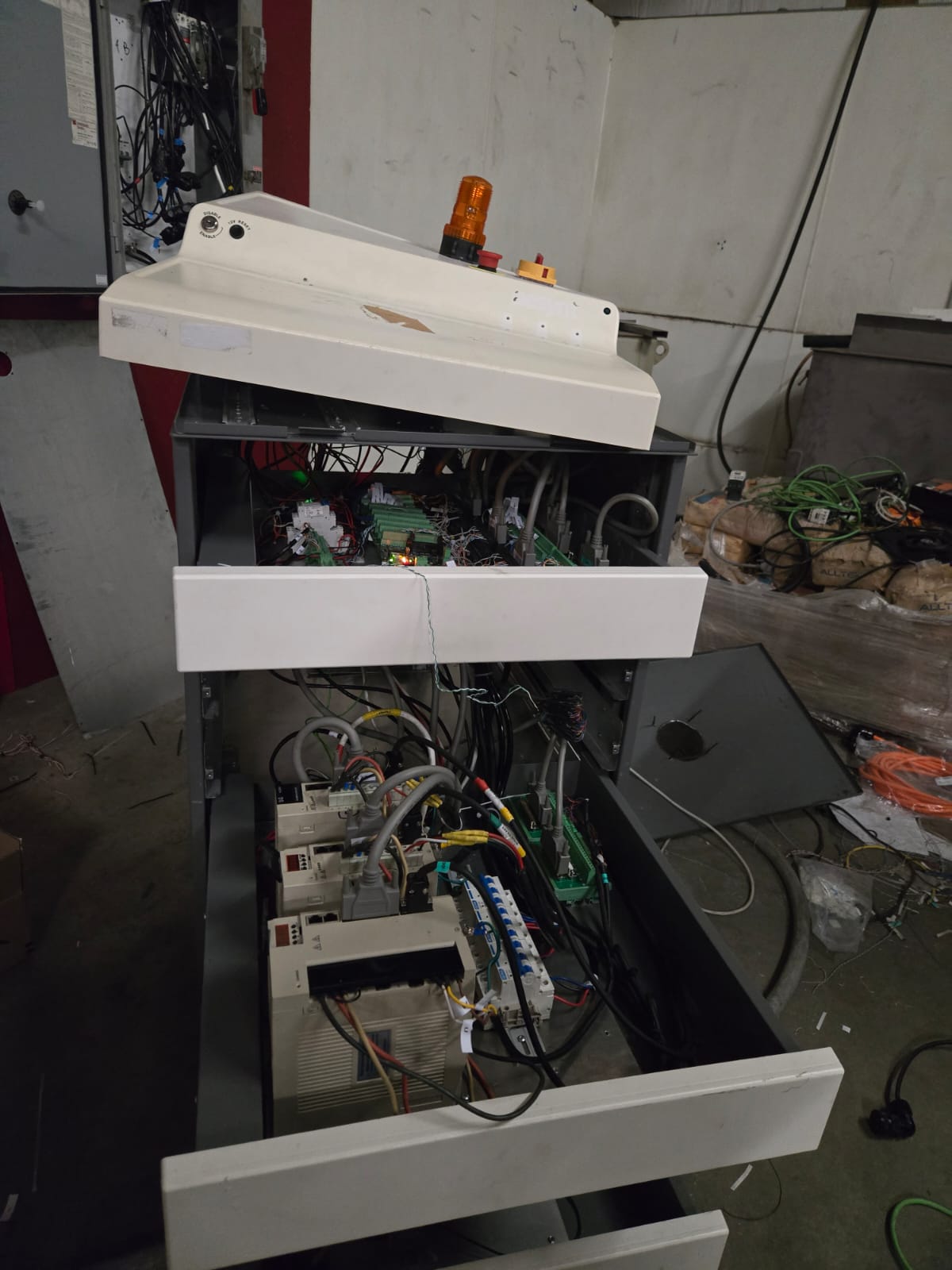
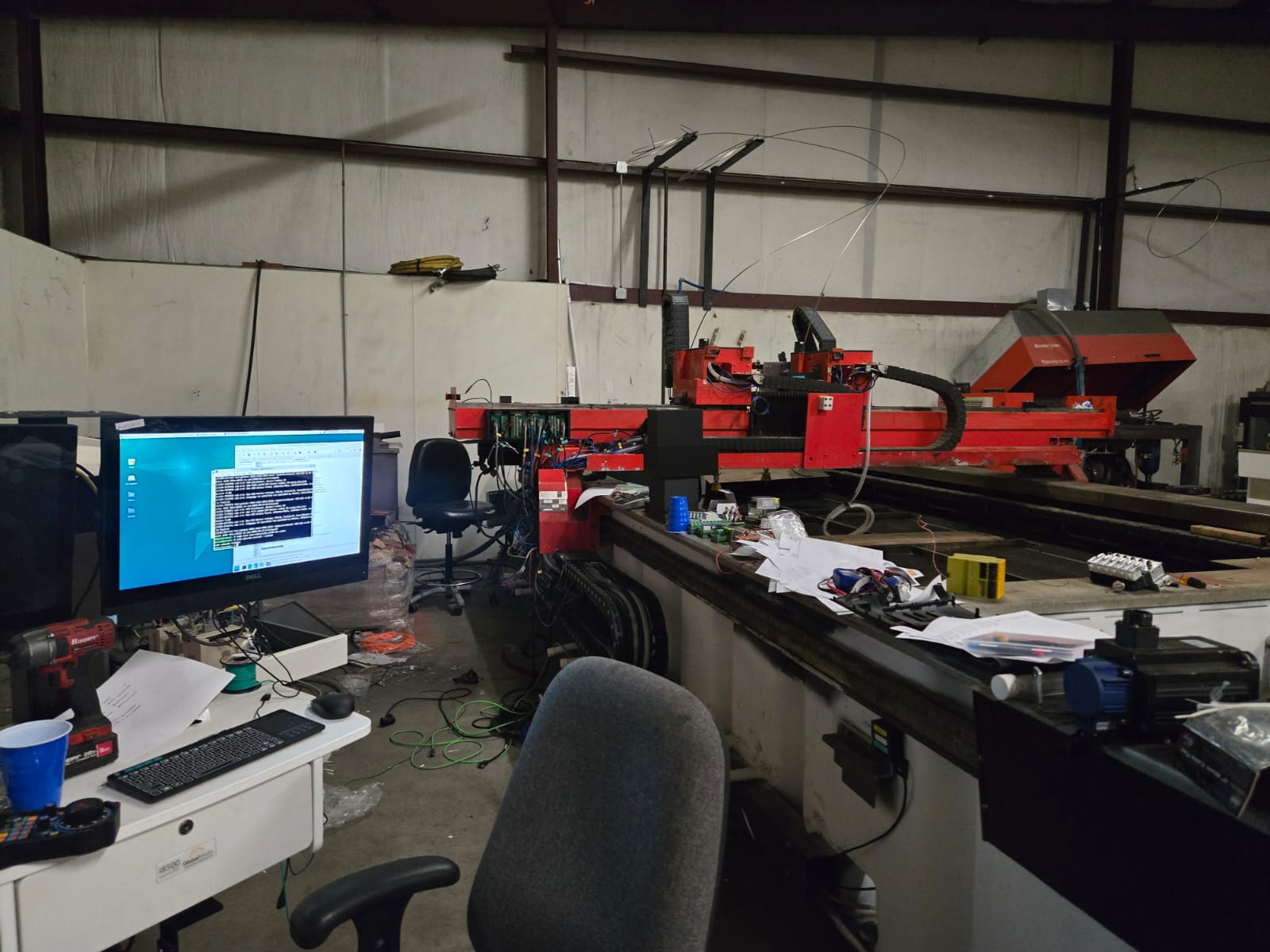
Wow, that's amazing. Did each of the eight heads move on the X-axis independently? I wish you could help me; I think I bit more than I can chew. I downloaded your files, and I feel lost. I am trying to retrofit this bystronic dual head water jet, it looks like a mess. I have all the axis moving, but I can't get the XHC-WHB04B-6 to work. I have not picked a GUI yet, and I  have no clue of how to modify  one , it sounds easy reading about things but doing it seem to be another issue, I just really need help  

Please Log in or Create an account to join the conversation.

More
1 year 5 months ago #328363 by akim14
Just a heads-up for anyone wrestling with the XHC-WHB04B-6 like I was: relax, it's easier than it looks! Turns out, it's mostly a copy-paste job. My mistake was overthinking it. Make sure your drivers are good to go, create that xhc-whb04b-6.hal file, and pop HALFILE = xhc-whb04b-6.hal into your INI. Then, grab everything from raw.githubusercontent.com/LinuxCNC/linux...ple-configuration.md and paste it in. Tidy it up by removing what you don't need, and if LinuxCNC complains about a line, just delete it until it's happy. Hopefully, this saves someone else the headache!

Please Log in or Create an account to join the conversation.
More
1 year 5 months ago #328367 by Todd Zuercher
No, the heads were mounted on a fixed spacing in the X direction (15 inches.)

It is a complex configuration with a lot going on, including HMI integration for the onscreen buttons to enable/disable each of the heads. I posted the link for you to try to see what it takes to slave an extra joint to an axis.

I also have posted configs for some two head machines that are set up as XYZW control. These have the ability to be ran using independent Z and W commands. While they still are configured using fixed spacing between the Z and W heads, they do also have the option of programmatically slaving the W head to the Z head so the machine can run on XYZ code with the Z and W performing the same movements. This is accomplished using a few custom M-codes, some g-code subroutines and a bit of hal trickery. (I'll have to try to dig up a link to where it's posted.)

A basic system with XYZUW axis would not be that hard to set up and not need to be very complex and use the ordinary standard Trivkins kinematics. If set up where X and U are simple absolute position commanded from a single fixed origin. However if you wanted the U axis to command the spacing between the Z and W heads, That would require a custom kinematics program, but I don't think it would be a completely unique one. I believe this type of arrangement has been used for some knee mill configurations. (Not sure I've seen example configurations posted though, but there is a good chance there are some out there.)

Please Log in or Create an account to join the conversation.
More
1 year 5 months ago #328369 by Todd Zuercher

Please Log in or Create an account to join the conversation.
More
1 year 5 months ago #329526 by akim14
Thank you so much I am still having problems setting up the limit and home switches in the main hal , I used mesa CT here are my files, I noticed you used the code down below but i cant seem to replicat it without error


# --- MIN-HOME-X ---
net min-home-x <= hm2_5i25.0.7i77.0.0.input-00-not

# --- MAX-X ---
net max-x <= hm2_5i25.0.7i77.0.0.input-01-not

# --- MIN-HOME-Y ---
net min-home-y <= hm2_5i25.0.7i77.0.0.input-02-not

# --- MAX-Y ---
net max-y <= hm2_5i25.0.7i77.0.0.input-03-not

# --- MIN-Z ---
net min-z <= hm2_5i25.0.7i77.0.0.input-07-not

# --- MAX-HOME-Z ---
net max-home-z <= hm2_5i25.0.7i77.0.0.input-06-not

# --- MIN-W ---
net min-w <= hm2_5i25.0.7i77.0.0.input-05-not

# --- MAX-HOME-W ---
net max-home-w <= hm2_5i25.0.7i77.0.0.input-04-not

# --- X_READY ---
#net X_Ready <= hm2_5i25.0.7i77.0.0.input-08

# --- Y_READY ---
#net Y_Ready <= hm2_5i25.0.7i77.0.0.input-09

# --- Z_READY ---
#net Z_Ready <= hm2_5i25.0.7i77.0.0.input-10

# --- W_READY ---
#net W_Ready <= hm2_5i25.0.7i77.0.0.input-11

# --- Z_SPINDLE_RUNNING ---
net Z_Spindle_running <= hm2_5i25.0.7i77.0.0.input-12 => and2.0.in0

# ---setup home / limit switch signals---

net min-home-x => axis.0.home-sw-in
net min-home-x => axis.0.neg-lim-sw-in
net max-x => axis.0.pos-lim-sw-in

Please Log in or Create an account to join the conversation.

More
1 year 4 months ago #329560 by Todd Zuercher
Well you are using different Mesa cards than I was, and I was using a much older version of Linuxcnc. You won't be able to copy what I had verbatim.

I looks like you are using a 7i95, so for the X axis limits and home, with the home/limit combined at the min limit, you might use something like this.
Code:
# --- X - Home-Limits --- net min-home-x <= hm2_7i95.0.input-00 => joint.0.neg-lim-sw-in => joint.0.home-sw-in net max-x <= hm2_7i95.0.input-01 => joint.0.pos-lim-sw-in

In your posted hal file it has the vaariable call from your ini file "[MESA](BOARD)". This tells the hal file to use what you have set in the ini file in the "[MESA}" section, what is set on the line "BOARD =", which in your case is "7i95".

Please Log in or Create an account to join the conversation.

Time to create page: 0.398 seconds
Powered by Kunena Forum
