

- Posts: 798
- Thank you received: 202
Linux Mint with RTAI
10 years 11 months ago #65697
by cncbasher
Replied by cncbasher on topic Linux Mint with RTAI
glad you made progress JT
Please Log in or Create an account to join the conversation.

10 years 11 months ago - 10 years 11 months ago #65700
by tjmarch
Replied by tjmarch on topic Linux Mint with RTAI
Big John T
Thank-you for working on this look forward to the resulting deb file. Hope it works on all flavors of Ubuntu 14.04 and Mint 17.2
Tim
PS Did work around for menu in SySsetup.sh contained in archive before Rip. Worked for all flavors of Ubuntu, Mint and Debian but is unorthodox
I do not know python or C to do it the correct way so I am know help with this
Last edit: 10 years 11 months ago by tjmarch.
Please Log in or Create an account to join the conversation.

10 years 11 months ago #65708
by BigJohnT
The commands above build the deb for the currently running system, so to use the above to build a deb you need to be in the os you want the deb for. I need to put the whole thing into one file. Install OS, get RTAI kernel, get Linuxcnc, build deb, install deb.
JT
Replied by BigJohnT on topic Linux Mint with RTAI
tjmarch wrote: Thank-you for working on this look forward to the resulting deb file. Hope it works on all flavors of Ubuntu 14.04 and Mint 17.2
The commands above build the deb for the currently running system, so to use the above to build a deb you need to be in the os you want the deb for. I need to put the whole thing into one file. Install OS, get RTAI kernel, get Linuxcnc, build deb, install deb.
JT
Please Log in or Create an account to join the conversation.
10 years 11 months ago #65709
by tjmarch
Replied by tjmarch on topic Linux Mint with RTAI
Sound great
I am fairly new to Linux wish I knew how to do more, I am a fast learner and google has been my friend
Tim
I am fairly new to Linux wish I knew how to do more, I am a fast learner and google has been my friend
Tim
Please Log in or Create an account to join the conversation.
10 years 11 months ago #65717
by jtc
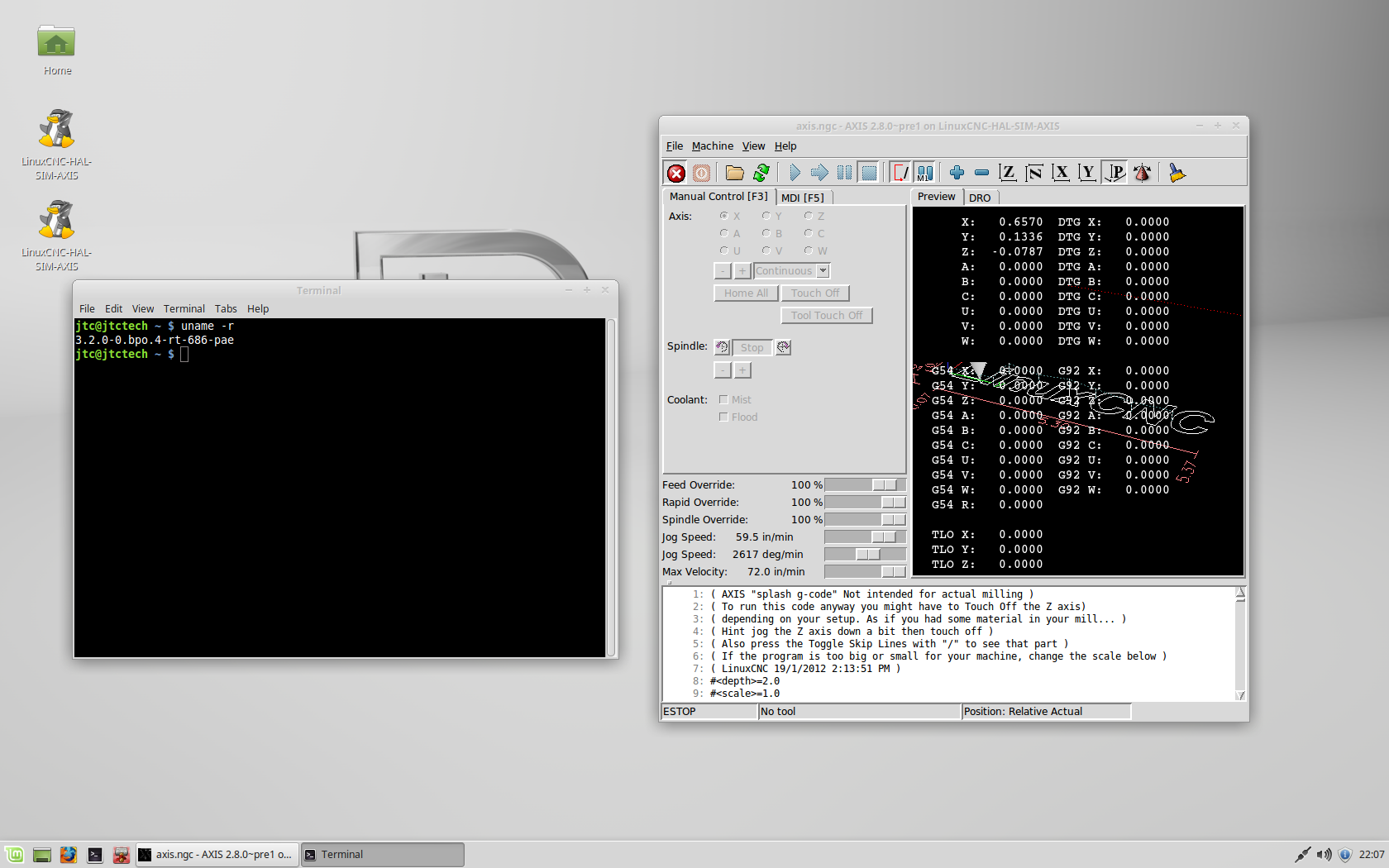
Running :lol:
Replied by jtc on topic Linux Mint with RTAI
tjmarch wrote: JTC
If you use readme file and archive method in post:
forum.linuxcnc.org/forum/18-computer/299...mint-with-rtai#65402
Preempt-RT kernel can be installed for rip just follow directions
Tim

Running :lol:
Please Log in or Create an account to join the conversation.
10 years 11 months ago #65725
by tjmarch
Replied by tjmarch on topic Linux Mint with RTAI
Big John T wrote:
What I'm doing now to build the 2.7 deb is:
git clone git://git.linuxcnc.org/git/linuxcnc.git mint
cd mint
git checkout 2.7
debian/configure -r ; debuild -uc -us > configure.txt
And to install the deb:
sudo dpkg -i linuxcnc_2.7.2_i386.deb
sudo dpkg -i linuxcnc-doc-en_2.7.2_all.deb
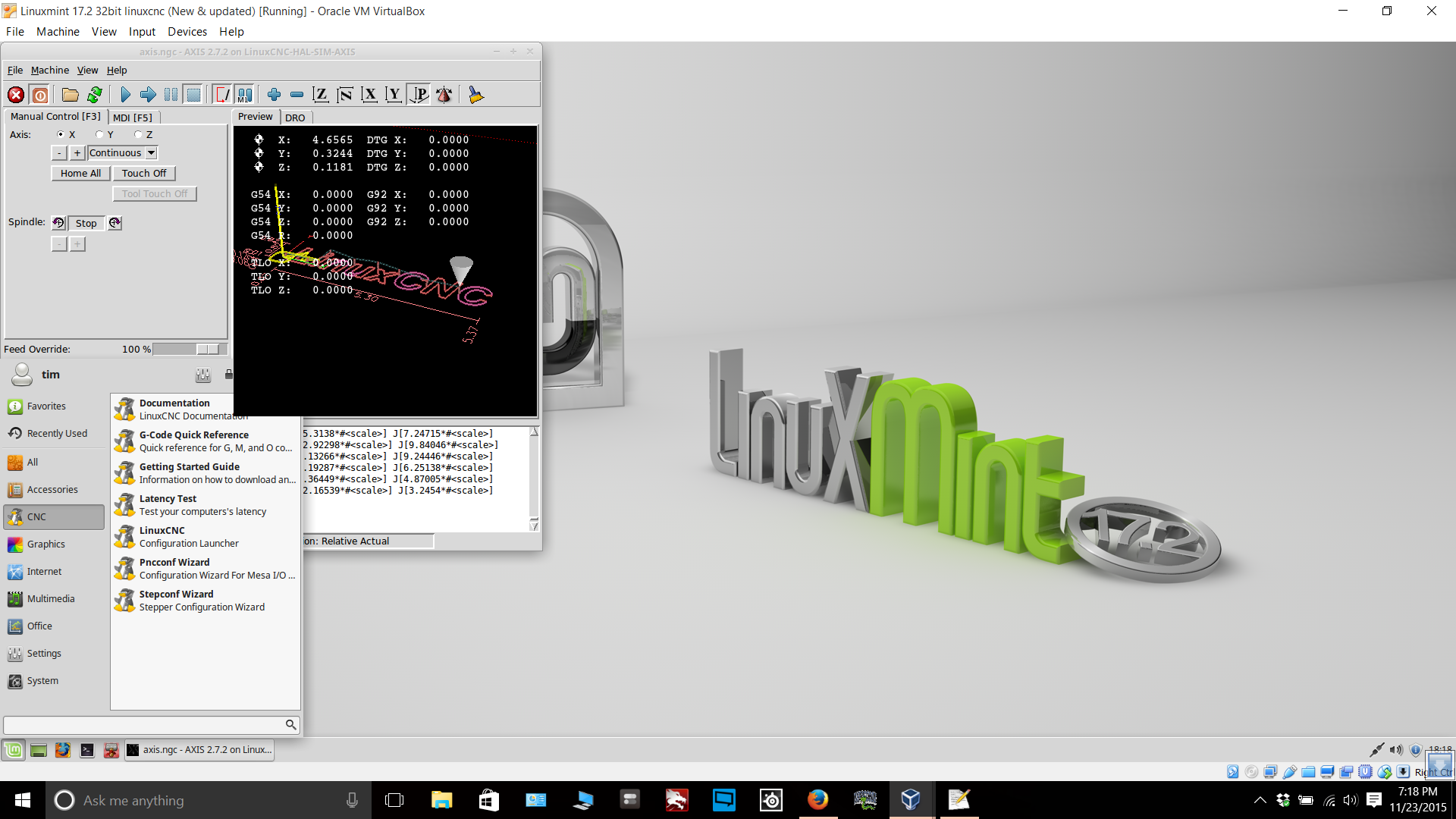
Was successful building deb files did in VM ran attached script file
only problem when tried to install using dpkg linuxcnc_2.7.2_i386.deb failed to install dependence problems
Thought I may have did something wrong so did whole process over again
After which I installed deb with right click>Open with Gdebi Package Installer
Gdebi installed a few more packages and install was successful
WhooHoo :laugh:
Thanks Big John T
keep on share-en please
Tim
What I'm doing now to build the 2.7 deb is:
git clone git://git.linuxcnc.org/git/linuxcnc.git mint
cd mint
git checkout 2.7
debian/configure -r ; debuild -uc -us > configure.txt
And to install the deb:
sudo dpkg -i linuxcnc_2.7.2_i386.deb
sudo dpkg -i linuxcnc-doc-en_2.7.2_all.deb
Was successful building deb files did in VM ran attached script file
only problem when tried to install using dpkg linuxcnc_2.7.2_i386.deb failed to install dependence problems
Thought I may have did something wrong so did whole process over again
After which I installed deb with right click>Open with Gdebi Package Installer
Gdebi installed a few more packages and install was successful
WhooHoo :laugh:
Thanks Big John T
keep on share-en please
Tim
Please Log in or Create an account to join the conversation.
Time to create page: 0.066 seconds