16 Pocket tool changer with PB and carousel.comp (Working config for reference)

More
3 years 3 months ago #276322 by GuiHue
Hi spumco,

I have to pass on where to find more information in the user guide. As for the float to s32 thing: I came across this as well and got briefly stopped in my efforts. Then I remembered that custom mcodes are based on bash files on linux. Since bash scripts can do just about anything, going from float to int is possible as well. I id a short search and found this . Basically the ${1/.*} does it all. How? - beats me;).

Please Log in or Create an account to join the conversation.
More
3 years 3 months ago #276346 by spumco
I found a similar link soon after I asked the question, but as you say I can't figure out how this magic stuff works.

I guess I'll press the 'I believe' button and keep bash script capabilities in mind for future use.

Thanks again for the assist.
 

Please Log in or Create an account to join the conversation.
More
3 years 1 month ago #279772 by Marcodi
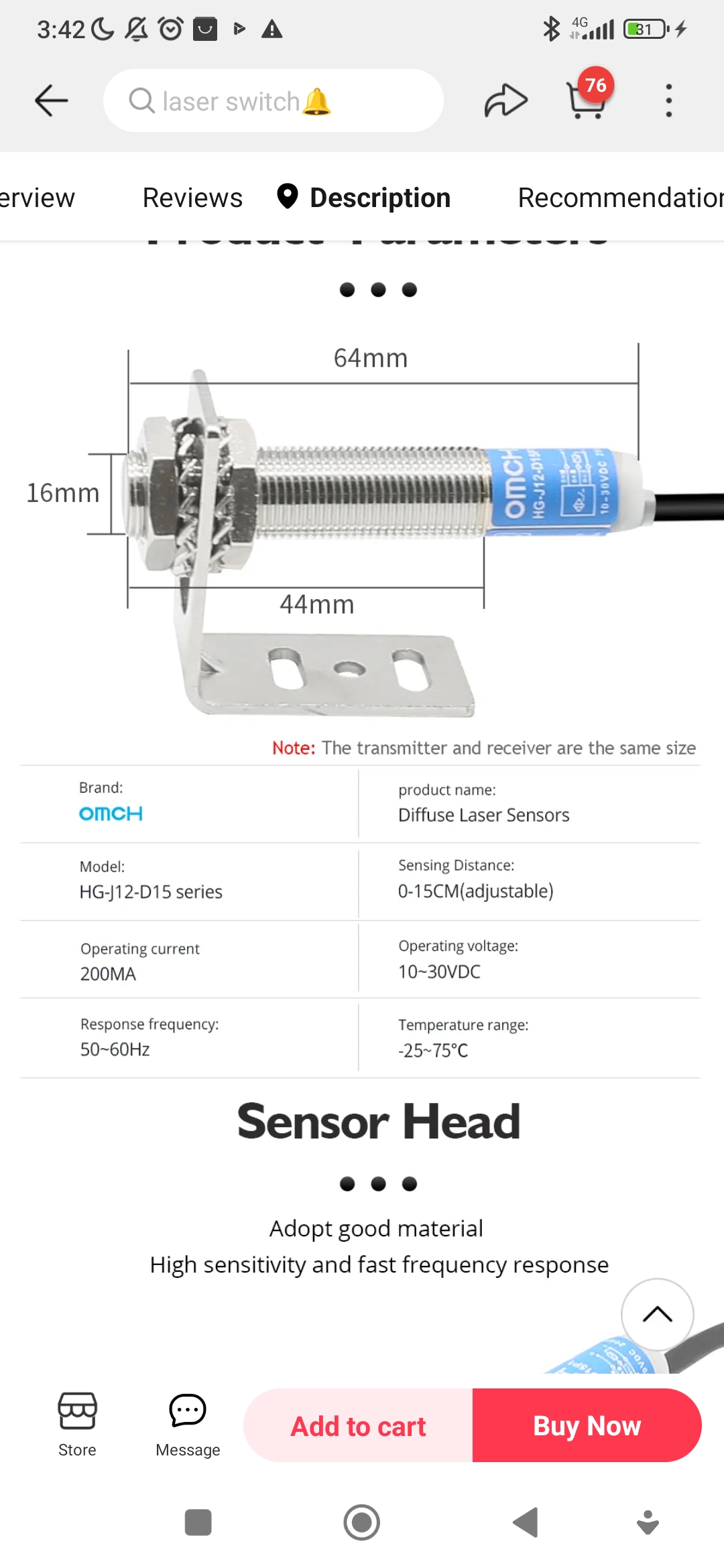
Hi all, I have read the entire thread and if I understood correctly, for a Geneva drive ran by closed loop stepper. I need an index sensor for home. This could be easily achieved by magnetic sensor. To check if there is a tool in toolholder, this proposed diffuse laser seems to do the work fine. But how am I to create a per pocket sensor to let linuxcnc know which pocket he has in front of him. I read something about 4 proxies and a schematic milled during production. That would be feasible for me, if I understood what proxie means and what schematic. 

Hope that someone can point me in the right direction with some image of drawing what my next step is. I designed more rhan 80 hours on my current design, so I would like to finish it completely with all sensors locations in place. ( Please find pictures of my design here in the qtpyvcp category)

Thabks

Please Log in or Create an account to join the conversation.

More
3 years 1 month ago #279775 by Marcodi
Are these than the only 3 sensors needed.
1 laser sensor see picture
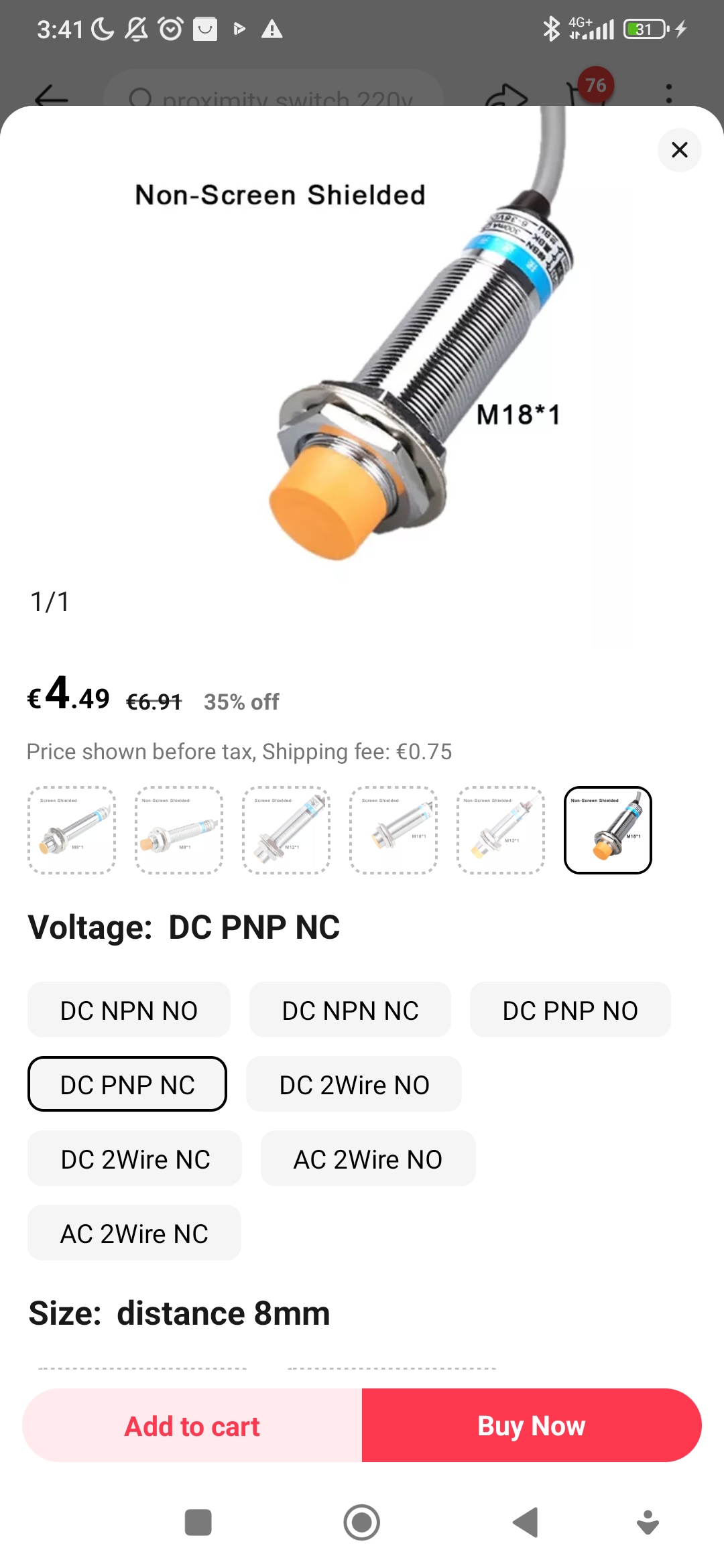
2 X inductive sensor (home and ???) 

I mean to understand that either every pocket Needs a sensor that triggers when pocket passes the proximity metal. So to track where each pocket is. Or can this be done differently , to count the pockets that have passed the induction sensor by using 1 sensor and the magnetic on the pocket?

I am trying to find out what else I need before finishing up the design.

I read someone using 4 proxies and than making series of holes in the plate to encode , that is also something I could do, but no idea where that info will than be stored. Seems to me like this is similar to one sensor per pocket.
As you see, I need some help.

Please Log in or Create an account to join the conversation.

More
3 years 1 month ago #279781 by spumco
The carousel encoding can be done in a number of ways.  If "INDEX" encoding is chosen you will need two sensors, and one trigger (flag) per pocket, plus one trigger per revolution.

One of the sensors is the 'home' sensor, the other is the 'pocket' sensor.  Both of these are connected to carousel.comp via HAL.

On first enable, carousel.comp will home the ATC until the home sensor is triggered.  This will be pocket #1.  After that, it will move to the correct pocket by counting up/down the index sensor pulses.

This encoding scheme will work with both a Geneva drive as well as a servo/stepper-driven rotation.

If "COUNTS" mode is selected, only a home sensor is required.  You pre-program the number of steps between pocket centers, and carousel output pulses through a stepgen to move to the correct pocket.  As with index mode, once homed, carousel.comp keeps track of how many pockets have passed up/down from the home position.  All you have to do is send it a destination pocket using a motion.analog-out signal from g-code.

The 'flags' mentioned earlier can be holes in the ATC platter that trigger the inductive sensors.  Or they can be pins, or anything else that triggers the sensors repeatably.  Some people have used microswitches instead of proximity sensors.  Even optical sensors are suitable if you have room for a slotted wheel of some sort.

I think the laser sensor(s) in the original description are for determining the presence (or not) of a tool in a pocket, as well the position of the drawbar.  They are not required for carousel.comp to control an ATC, but it does add an additional layer of safety in case the tool is not seated in the spindle taper properly or if a tool is in a pocket when one isn't supposed to be there.

Please Log in or Create an account to join the conversation.

More
3 years 1 month ago #279783 by spumco
Sorry, I missed a couple of your earlier questions.

'Proxy' is slang for inductive proximity sensor.  There are other proximity sensors (capacitive), but inductive tends to be implied if you see someone referring to 'proxy.'  I'm guilty of this, sorry.

Regarding the four-sensor configuration... I believe that is referrring to a different encoder method available in carousel.comp.  If you read the MAN page (in the manual) on carousel.comp, the first section describes a number of different encoding schemes.  Grey code, BCD, etc.

These all provide an absolute location (which pocket #) to carousel.comp using an array of sensors and flags.  This is probably what was being referred to when you read about 'milling schematic' in another thread.

Keep in mind that the original Probe Basic ATC scheme is not based on using carousel.comp.  PB comes with subroutines which handle counting up/down the pocket number and keeps track of which pocket is where (and which tool is in what pocket) using variables stored in the linuxcnc.var file.  This scheme requires a geneva drive, but does not require a stepper/servo - it can use a simple DC or AC motor - but does require a home sensor as well as (I think) a sensor that is triggered at each pocket.

If you have a geneva drive, you can use the Probe Basic subroutines to control your ATC with some minor edits.  If you don't, you'll need to come up with a different control plan - i.e. using carousel.comp to manage the ATC rotation.  Which control plan you choose will determine what sensors you will need.
The following user(s) said Thank You: Marcodi

Please Log in or Create an account to join the conversation.

Moderators: KCJ, Lcvette
Time to create page: 0.386 seconds
Powered by Kunena Forum
