QtDragon on Debian Buster, some issues

More
6 years 1 month ago #181469 by hottabich
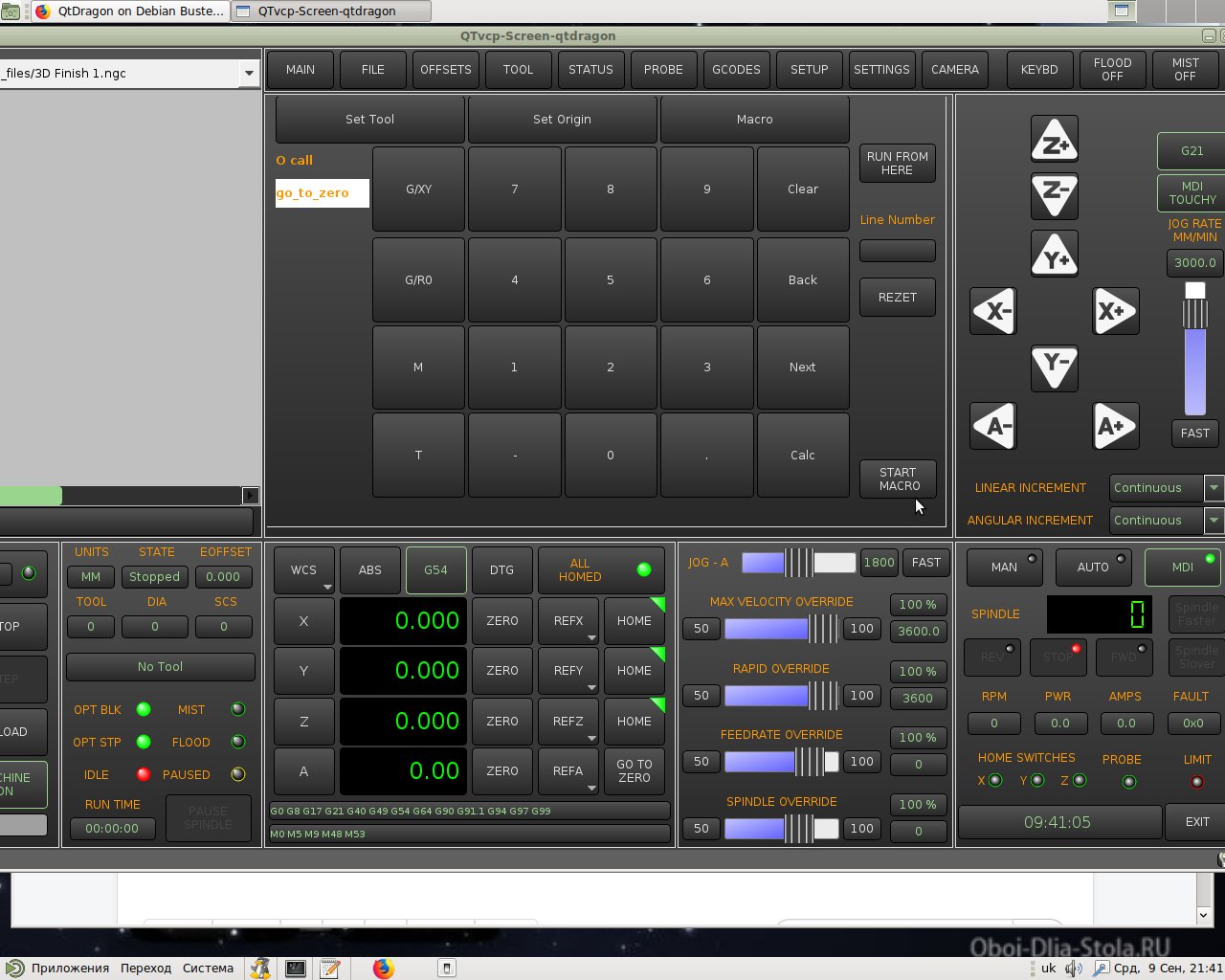
This is my version of QtDragon. Download the file and unzip it to your sim.qtvcp_screens.qtdragon folder with replacement. Sensor in the NC files folder. Images in sim.qtvcp_screens.qtdragon and add missing files to it.
I just can't hang everything. On all paths, the name of Jura is replaced by its own. Especially in qtdragon.grc the operation of the calibration button depends on it.

Please Log in or Create an account to join the conversation.

More
6 years 1 month ago - 6 years 1 month ago #181473 by keyboard
thanks hottabich,
i was trying sudo update before I saw your post and it updated the GUI to the new one. Only its faded out , it doesn't have the grey colour. Setting- calibrations button now works and brings up the calibration screen. but still over travel override select not working.


i will run your files ...
Last edit: 6 years 1 month ago by keyboard.

Please Log in or Create an account to join the conversation.
More
6 years 1 month ago #181475 by keyboard
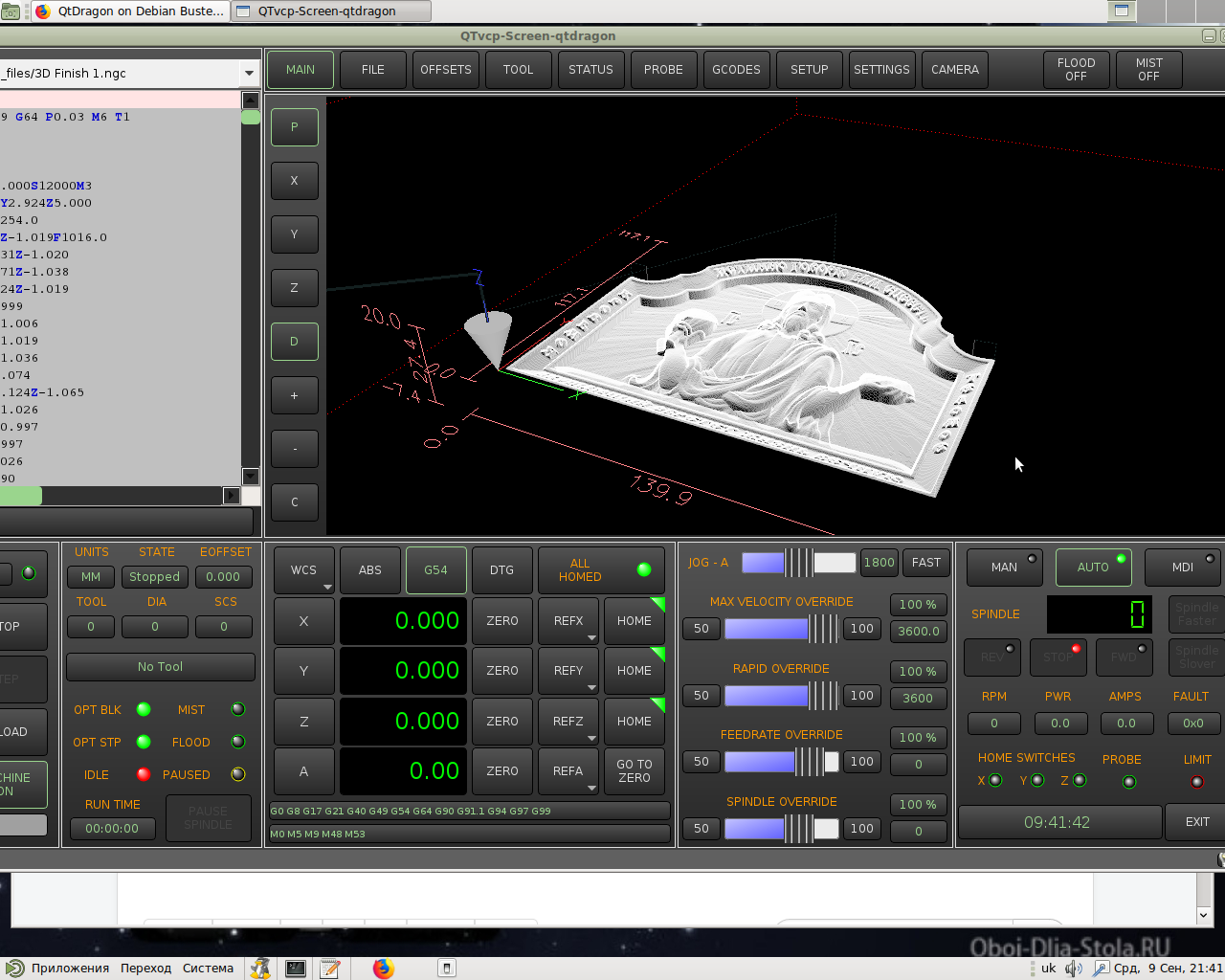
Thanks, finally getting it to update and the corrections..

Please Log in or Create an account to join the conversation.
More
6 years 1 month ago - 6 years 1 month ago #181484 by hottabich

keyboard wrote: Thanks, finally getting it to update and the corrections..

Is my version open? There are some pretty good macros there.
Last edit: 6 years 1 month ago by hottabich.

Please Log in or Create an account to join the conversation.

More
6 years 1 month ago #181487 by keyboard
Not yet , I will surely want to try them out.

Shall keep you posted.

Thanks.

Please Log in or Create an account to join the conversation.

Moderators: cmorley
Time to create page: 0.297 seconds
Powered by Kunena Forum
