Can the OPI5 be Configured to Run LCNC?

More
3 years 4 months ago #274397 by echristley
It's there and works. Just had to add a short pause so that /proc could be created before writing to the files there.
The following user(s) said Thank You: tommylight

Please Log in or Create an account to join the conversation.

More
More
3 years 4 months ago #274414 by royka
Perhaps twisting the wires will help or use a cat 5 cable.

Please Log in or Create an account to join the conversation.

More
3 years 4 months ago - 3 years 4 months ago #274428 by buzzFab
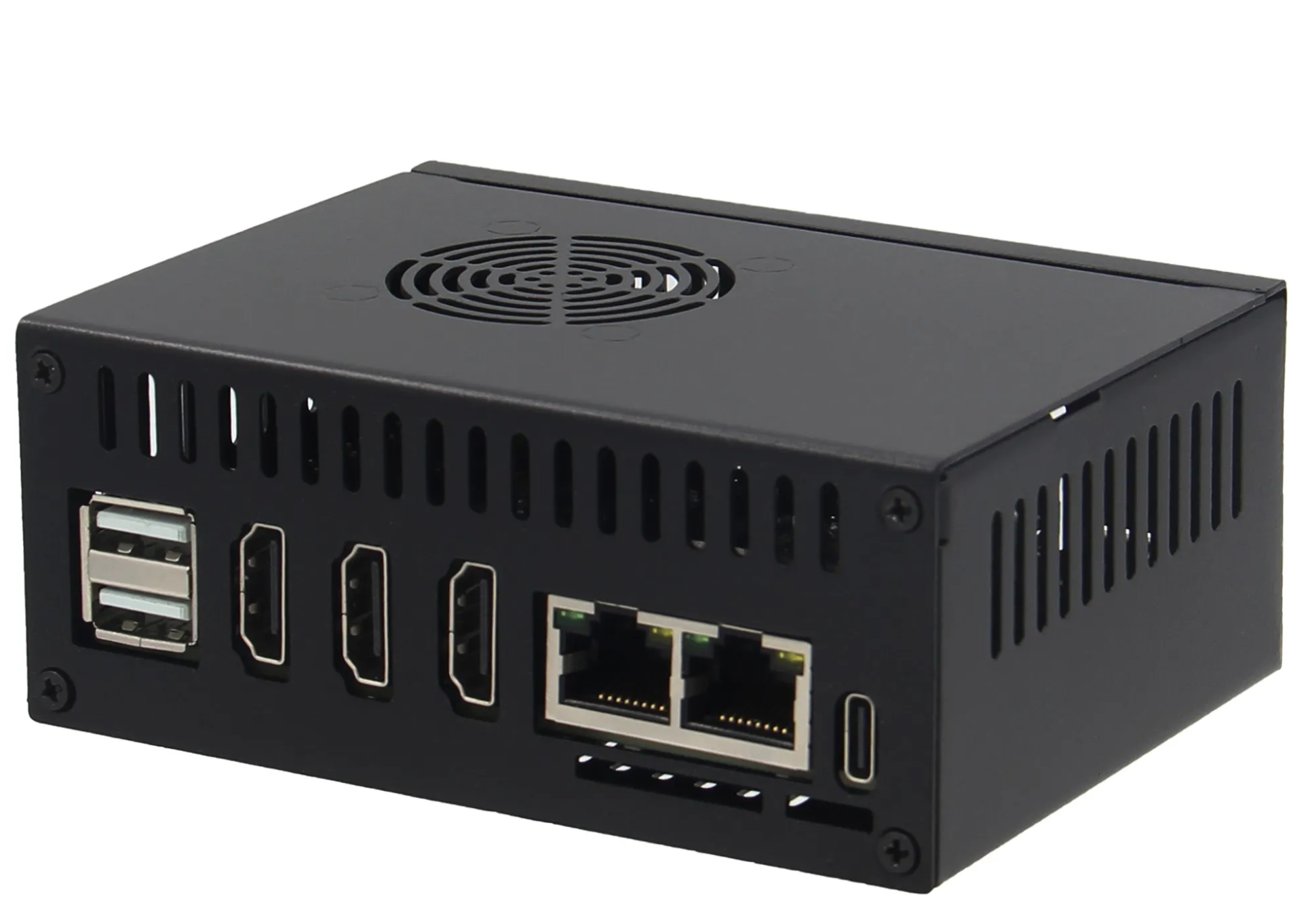
Currently there are 2 metal cases for the OPi5+

There is this one from geekworm which has internal heatsink and 5v fan, the heat sink is only for the cpu chip and not the ram.
www.aliexpress.com/item/1005005698413948.html


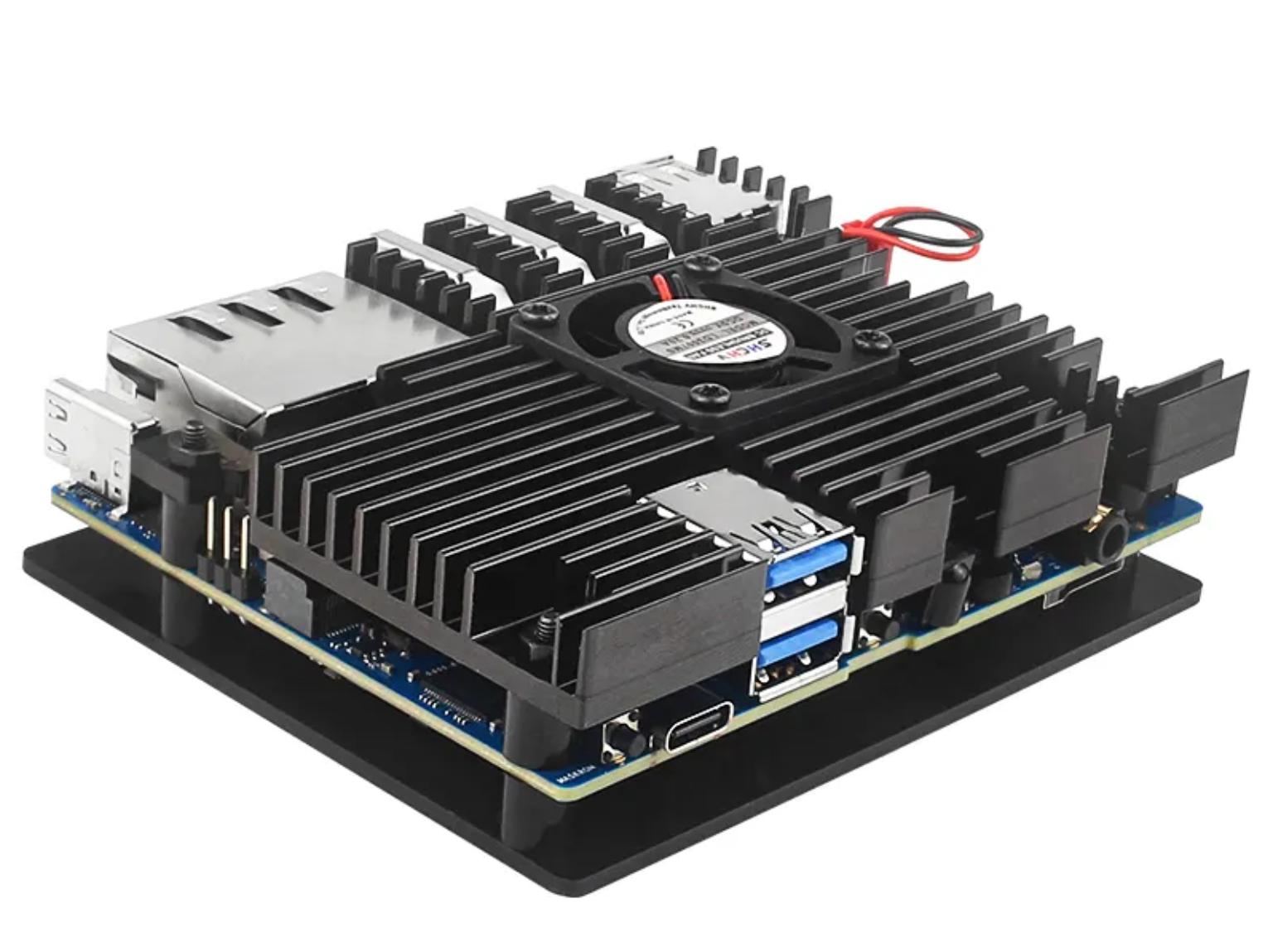
There is also this one, no clue who makes it but it is available from a few stores on aliexpress. This one also has a fan but the case is the heatsink with a cover plate for the bottom. It looks like the heatsink contacts 4 chips instead of just the cpu. This doesn't provide as much protection as the first one but is probably better for anyone who plans to embed their SBC in their CNC controller box like me.

www.aliexpress.com/item/1005005731835349.html
www.aliexpress.com/item/1005005728553439.html
www.aliexpress.com/item/1005005724742745.html
www.aliexpress.com/item/1005005753568195.html


Last edit: 3 years 4 months ago by buzzFab.

Please Log in or Create an account to join the conversation.
More
3 years 4 months ago #274545 by Guglielmi
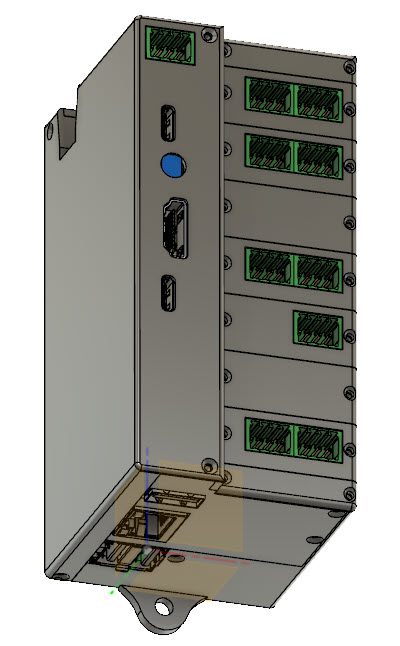
Or... you can build your case as I did.. image missing /media/kunena/emoticons/cool.png


Inside there is the heatsink showd by BuzzFab inside, with fan.
The temperature thay around 55 degrees.
 
The following user(s) said Thank You: tommylight, buzzFab

Please Log in or Create an account to join the conversation.
More
3 years 2 months ago #277177 by echristley
I'm almost over the finish line. I have the Boss3 running. Not cut any parts yet, but I'm working through the final configurations.

-Due to limited inputs, I configured X and Y axis to use a single switch for both limits. I haven't yet figured out how to make the home in gmocappy. The Z has separate limit and home switch, and is working great.
-I read posts here saying that you can't control the VFD using the Mesa 7i96s's onboard RS-485. So I bought a $12 converter. I don't get a /dev/ttyUSB<x> so I'm thinking there might be a module that is needed for it to recognize the CH343 chipset?
-I have a start and a pause button wired in. As well as a switch to control the spindle direction.. But, I've yet to figure out how to tie those in to LinuxCNC.

Please Log in or Create an account to join the conversation.
Time to create page: 0.244 seconds
Powered by Kunena Forum