- Posts: 68
- Thank you received: 6

Please Log in or Create an account to join the conversation.
Please Log in or Create an account to join the conversation.
Please start an issue at github.com/jethornton/emclog/issuesHi, please help.
I can't install your Position Logger correctly in master version 2.9.0.
The installation process will run correctly, but unable to start Logger.
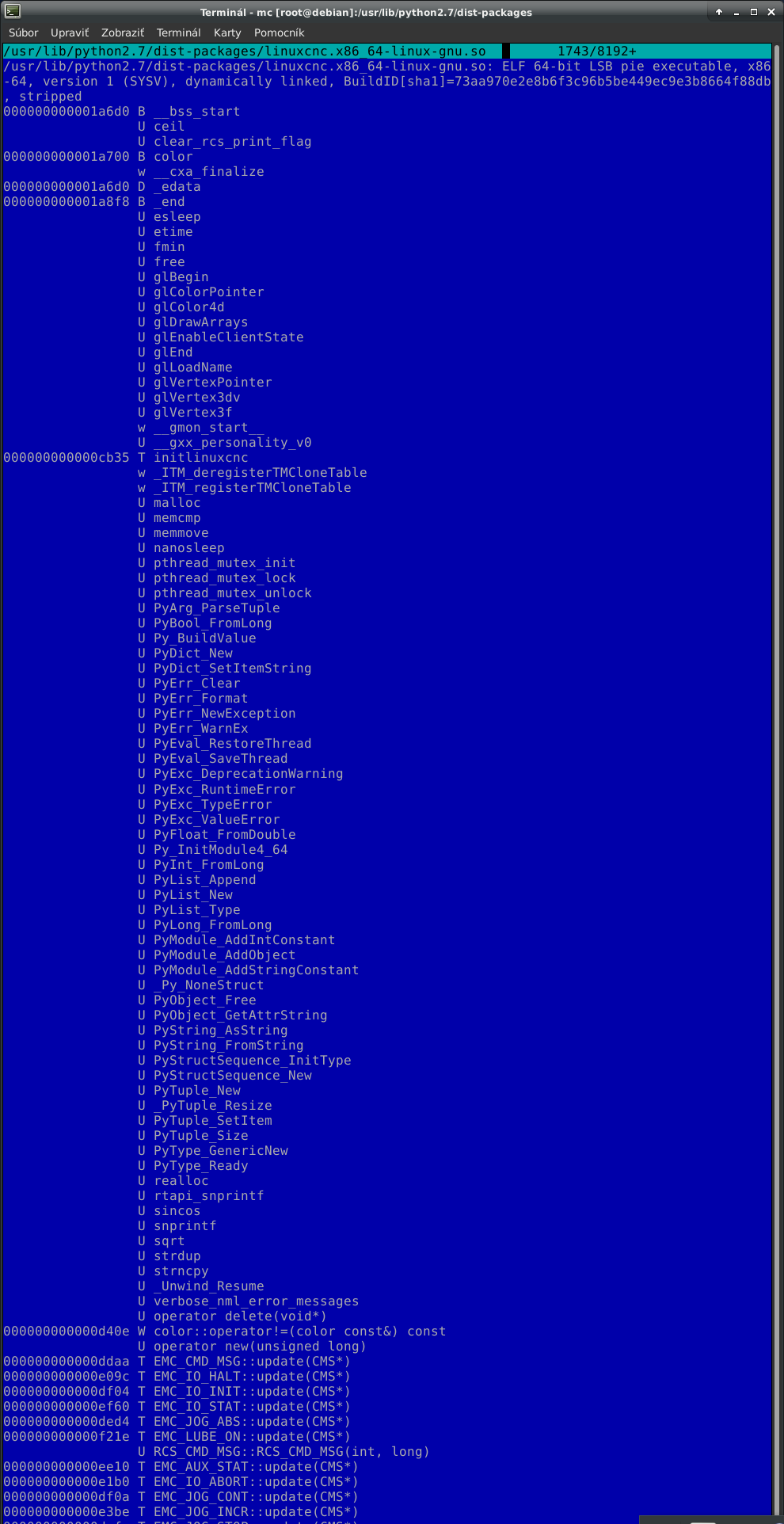
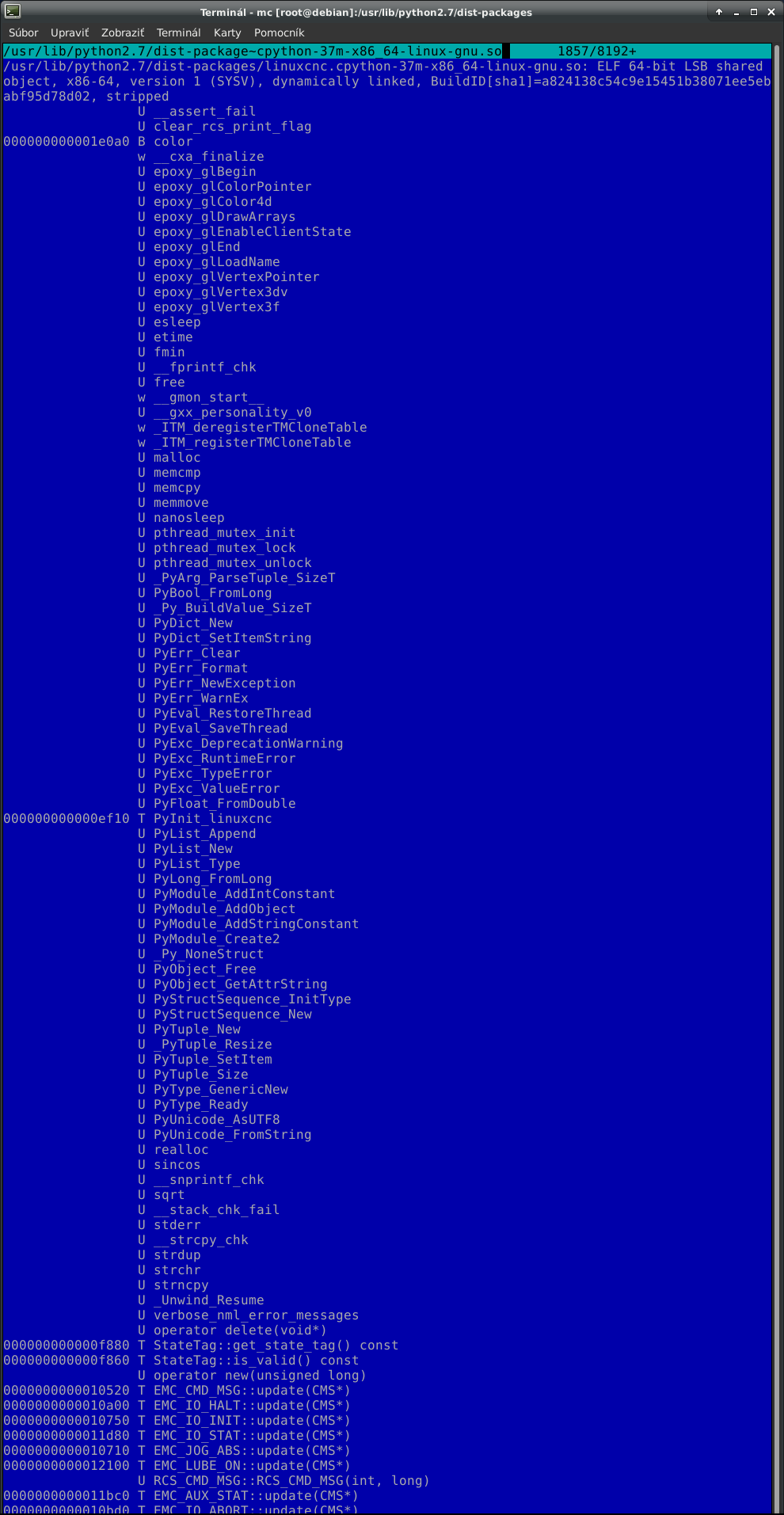
Code:hcnc@IS7XM:~$ sudo dpkg -i /home/hcnc/emclog_1.0.0_all.deb [sudo] heslo pre uzivatela hcnc: (spusta sa databaza ... momentalne je nainstalovanych 100440 suborov alebo adresarov. Preparing to unpack .../home/hcnc/emclog_1.0.0_all.deb ... Unpacking emclog (1.0.0) over (1.0.0) ... Nastavuje sa balík emclog (1.0.0) ... Processing triggers for desktop-file-utils (0.23-4) ... Processing triggers for mime-support (3.62) ... Processing triggers for man-db (2.8.5-2) ... hcnc@IS7XM:~$ Error from terminal: hcnc@DELL9010:~$ emclog Traceback (most recent call last): File "/usr/bin/emclog", line 9, in <module> import linuxcnc ImportError: No module named linuxcnc hcnc@DELL9010:~$
Please Log in or Create an account to join the conversation.
Or create a pull request at github.com/jethornton/emclog/pullssmall success
I changed the emclog.py interpreter
was: #! /usr/bin/python
is: #!/usr/bin/python3
next
was: if sys.version_info[0] > 2:
raise Exception("Python 2 is required.")
is: if sys.version_info[0] > 3:
raise Exception("Python3 is required.")
etc...
I created a file for future .deb package creation
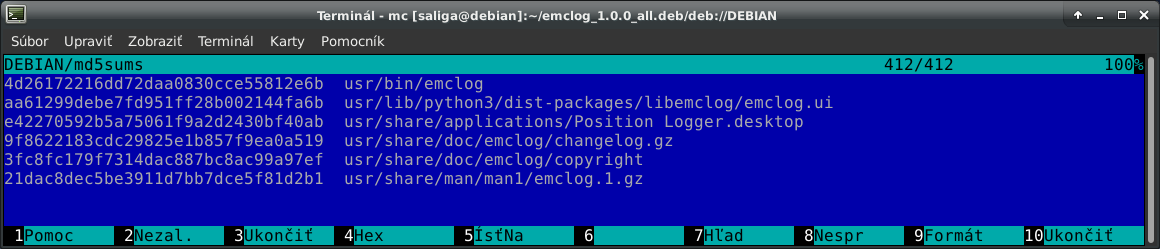
I added "md5sums" to the file:
1a14c073dc90e29563d3b1c7cfa3b10b usr/lib/python3/dist-packages/ConfigParser.py
to my future .deb package "usr/lib/python3/dist-packages/" file ConfigParser.py (I copied from /usr/lib/python2.7 + definitely adjustments)
I changed in the "control" file:
Installed-Size: 56
Depends: python3
Section: base
and in file "Position Logger.desktop" :
Icon=/usr/share/linuxcnc/linuxcncicon.png
and I created new .deb packages "emclog_1.0.0_all.deb"
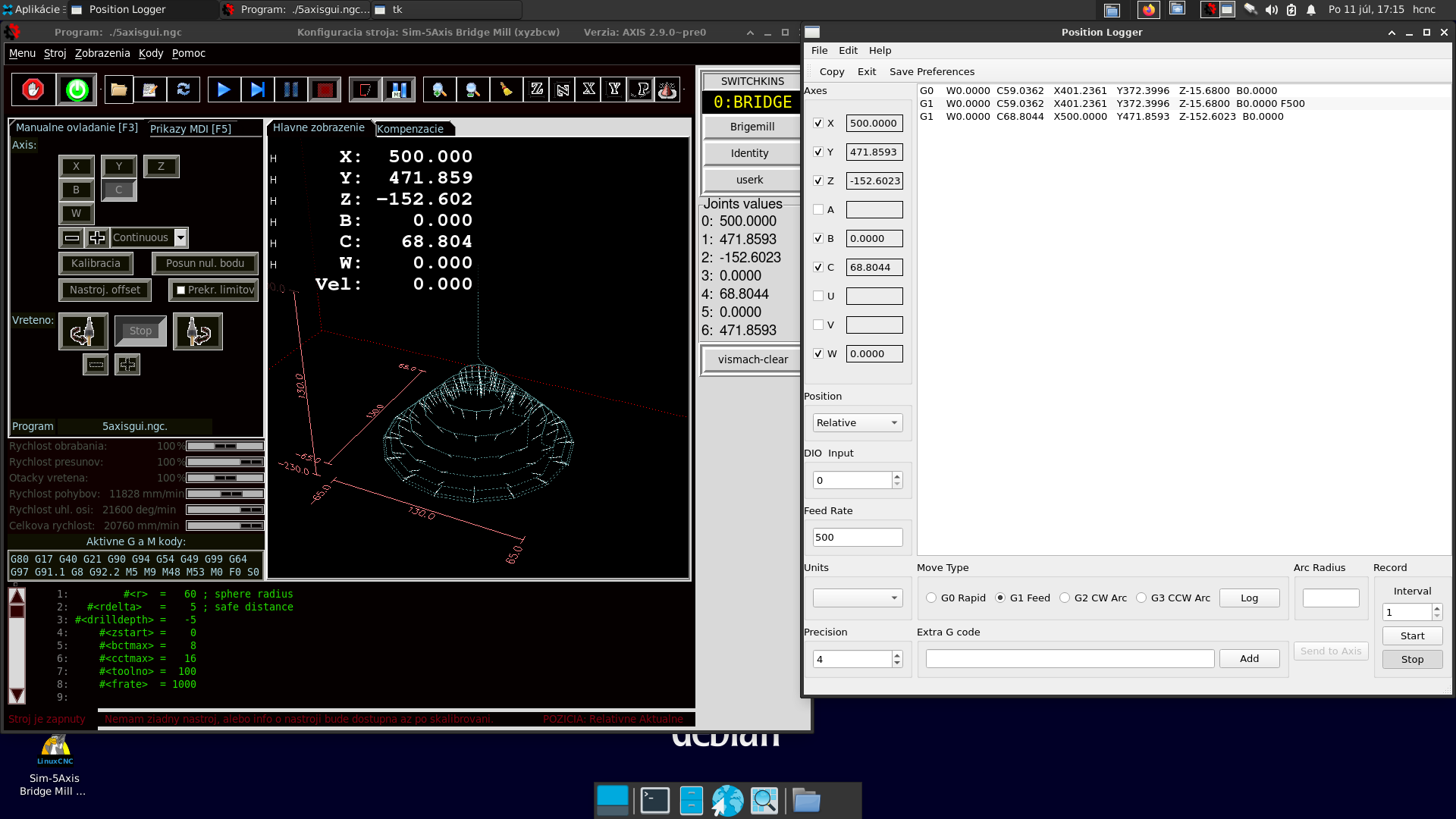
I tested on LinuxCNC Bookworm.
Please Log in or Create an account to join the conversation.
Please Log in or Create an account to join the conversation.
Please Log in or Create an account to join the conversation.