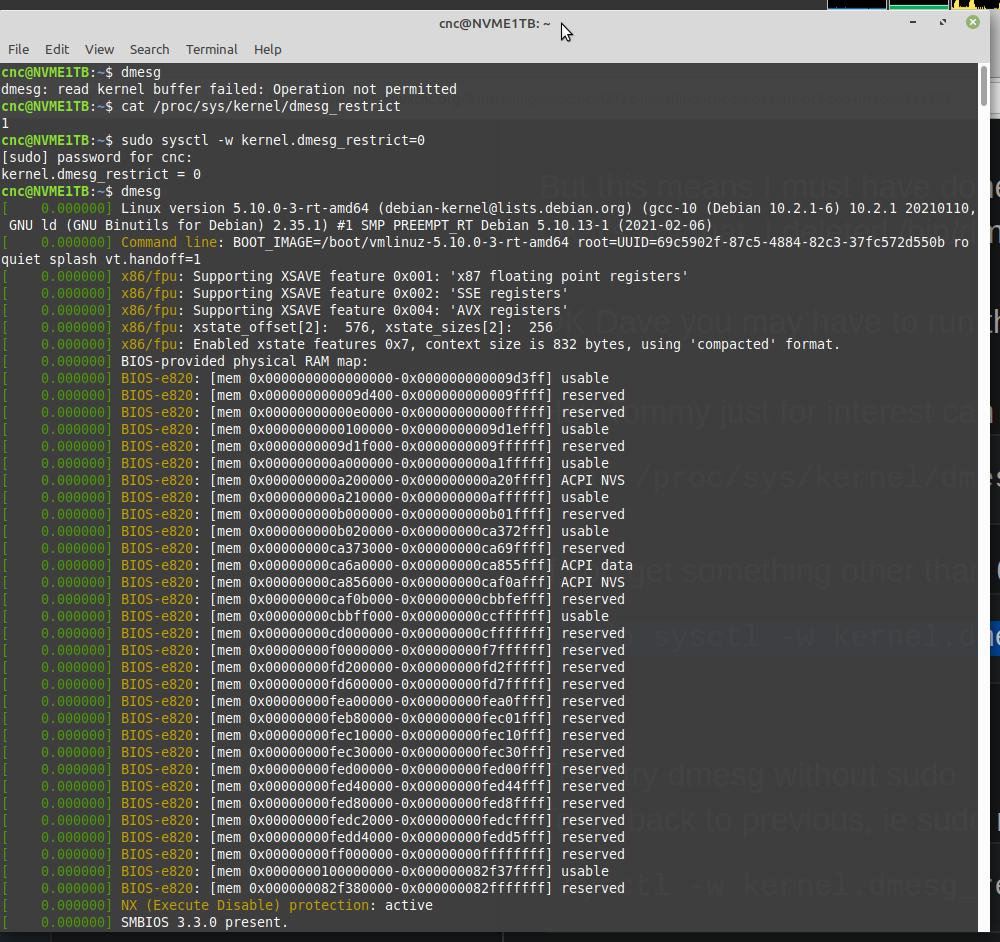
Is that with a standard kernel, debian rt or my rt kernel.
hmmm maybe I changed the dmesg permission
Code:
rmurphy@thinkPad-t530:~$ ls -la /bin/dmesg
-rwxr-xr-x 1 root root 72000 Sep 17 2020 /bin/dmesg
But this means I must have done it on ALL Mint installations on ALL machines, even those that have multiple versions of Mint.
Ok it's not that, I deleted /bin/dmesg then reinstalled util-linux (package for dmesg) & permissions were the same.
OK Dave you may have to run the dmesg command with sudo in front of it.
Hey Tommy just for interest can you run:
Code:
cat /proc/sys/kernel/dmesg_restrict
If you get something other than 0 can you try,
Code:
sudo sysctl -w kernel.dmesg_restrict=0
Then try dmesg without sudo
To go back to previous, ie sudo requires dmesg
Code:
sysctl -w kernel.dmesg_restrict=1
OK found out that there is a kernel config option that changes the operation of dmesg, to do with wether a user can read log.
The kernel I built, taken the default config from a std Mint kernel, allows a normal user to use dmesg without using sudo, the debian RT kernel does not allow this behaviour.