
- Posts: 39
- Thank you received: 2

Please Log in or Create an account to join the conversation.
Please Log in or Create an account to join the conversation.
yes and it just gave me the same problems, after this i tried the one Rodw put on google drive and it did everything it was supposed to do
I used the latest I could find
Just to be on the same page
Did you use this one:
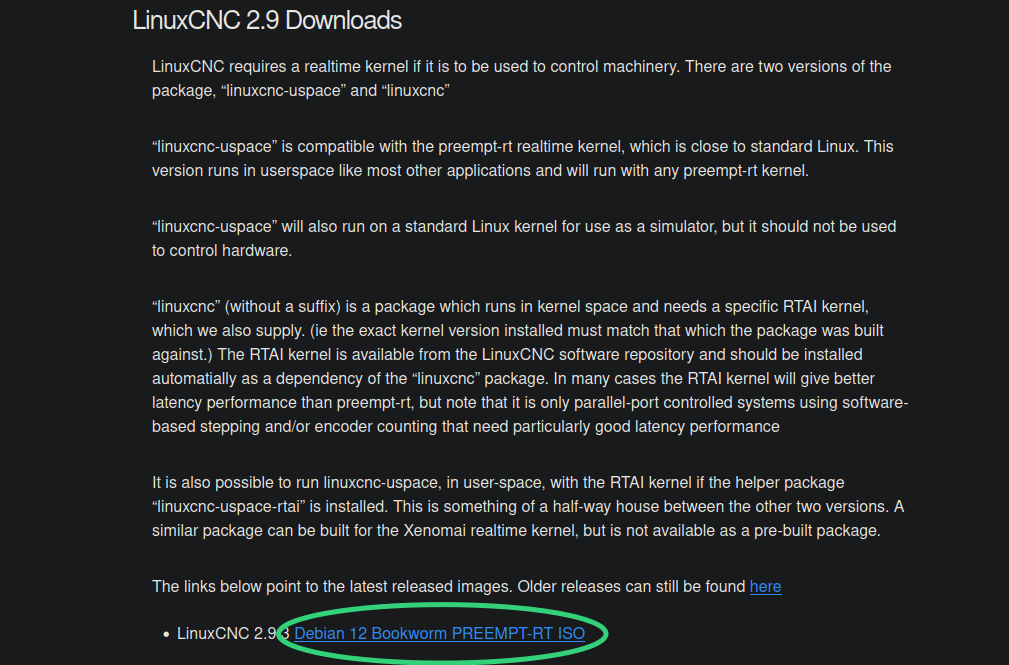
from here:
linuxcnc.org/downloads/
Please Log in or Create an account to join the conversation.
I pushed the prtsc button on the keyboard and it worksAaaaahhh paperless offices ... that never came. That was the promise made by e-mail .
Yes, print screen works on most distros, although XFCE used by LinuxCNC version of Debian did not work but it had screenshot in the main menu somewhere.
Please Log in or Create an account to join the conversation.
Flameshot is amazing for screen shots as you can save to file, to the clipboard, jusat capture a section and annotate your screenshot
Aaaaahhh paperless offices ... that never came. That was the promise made by e-mail .
Yes, print screen works on most distros, although XFCE used by LinuxCNC version of Debian did not work but it had screenshot in the main menu somewhere.
I pushed the prtsc button on the keyboard and it works
Please Log in or Create an account to join the conversation.

Please Log in or Create an account to join the conversation.
