
- Posts: 1916
- Thank you received: 394

Please Log in or Create an account to join the conversation.
Please Log in or Create an account to join the conversation.
Please Log in or Create an account to join the conversation.
Please Log in or Create an account to join the conversation.
Please Log in or Create an account to join the conversation.
I have to take a look at this, as at the moment is it not even possible to highlight a line in sourceview.- In AXIS it is possible to select a line of G code, and the corresponding segment was highlighted in the gremlin. Quite handy sometimes.
yes it is, but at the moment very low priority.- Is it possible/desirable to make the number of fractional DRO digits a setup option? I am displaying real measured values and 1um resolution tends to jitter a bit plus that I often see 4.998 instead of 5.00 for example.
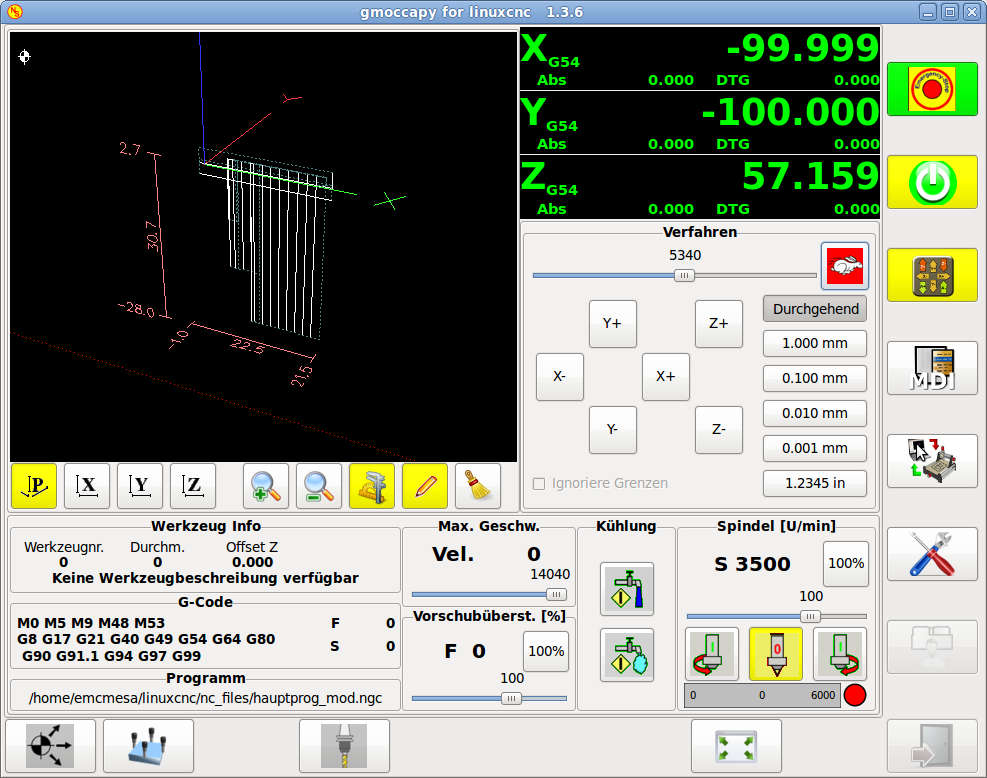
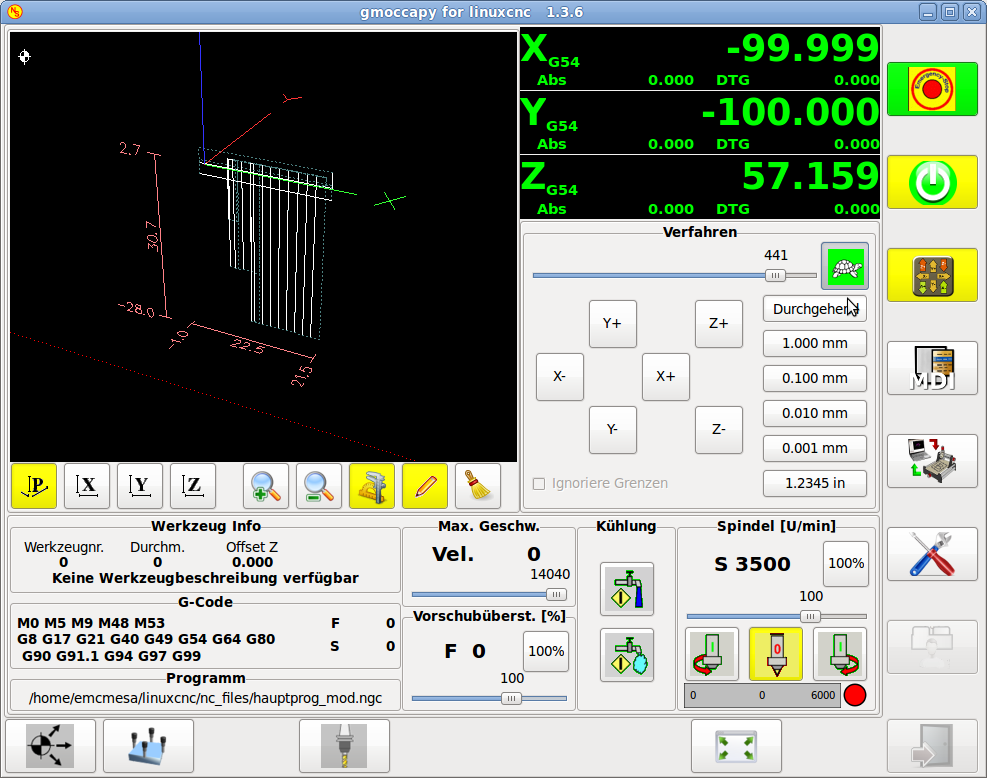
IMHO it is mostly a linuxcnc problem, not allowing to jog in MDI, would a hal pin to switch modes make sence?- I would like to be able to use the XHC-HB04 pendant for jogging also when in MDI mode. I am using a combination of MDI and jogging a lot while positioning the mill etc. and having to switch back and forth is an unnecessary step.
As a do need also place for a 4-th axis button I would like to agree to delete the zero buttons, as the entered value using the other button will be stored so it is just one klick more. Lets listen to other users.- The 'X=0', 'Y=0' and 'Z=0' touchoff buttons are dangerous. I already blew a nice piece of tooling plate and an endmill by accidentally hitting the X=0 button somehow and not noticing it. My fault, I should have pressed the 'return' button after zeroing but I didn't. But to be honest, I do not use them that often since touching off workpiece zero is often done with an edge finder or just the endmill with radius > 0 so I have to use the 'X=?' button anyway. A checkbox to enable/disable these dangerous buttons would be nice.
OK, I will delete the save and run button, as your arguments do convince me related to security, but...I still hate the 'save and run' button after editing the G-code. It is the only method to get the changes in gmoccapy directly without going through file selection once again since the 'reload file' button is missing, but immediately running a change without a chance to inspect the preview is tricky too. Preferred solution: a 'reload file' button in the auto screen. That also works for external file changes such as regenerating though CAM.

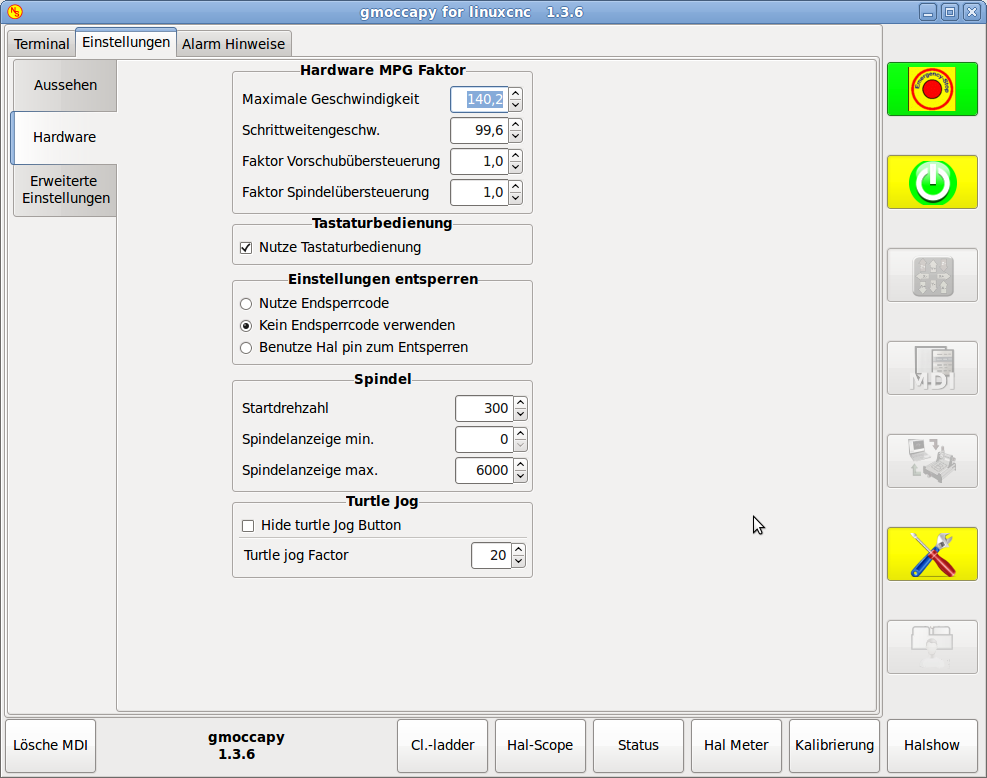
I do not know how the pendant is connected, but if you test the gmoccapy_jog-wheel sim you will see, that the sliders are updated correctly. Do you use gmoccapy hal pin or the halui ones? Halui does not work.- When I change the feed/spindle speed override using the XHC-HB04 pendant the corresponding slider in gmoccapy is not updated.
Go ahead, I give you a hand if you need.Documentation should be a paragraph or two at the most? It is not exactly my hobby, but I suppose I could do that.
Please Log in or Create an account to join the conversation.
