

- Posts: 319
- Thank you received: 90
Error in tool_offsetview.py
4 years 2 months ago - 4 years 2 months ago #249611
by MarkoPolo
Replied by MarkoPolo on topic Error in tool_offsetview.py
not much is happening, so I made some minor adjustments in the setup tab, because the buttons didn't look right.
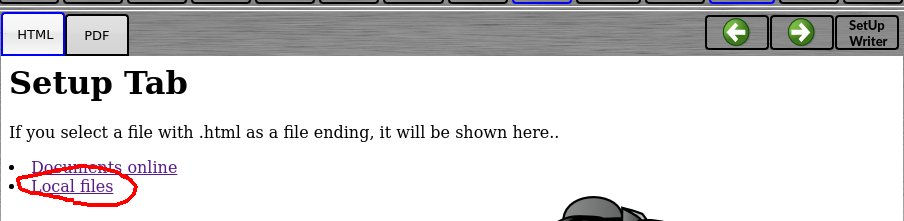
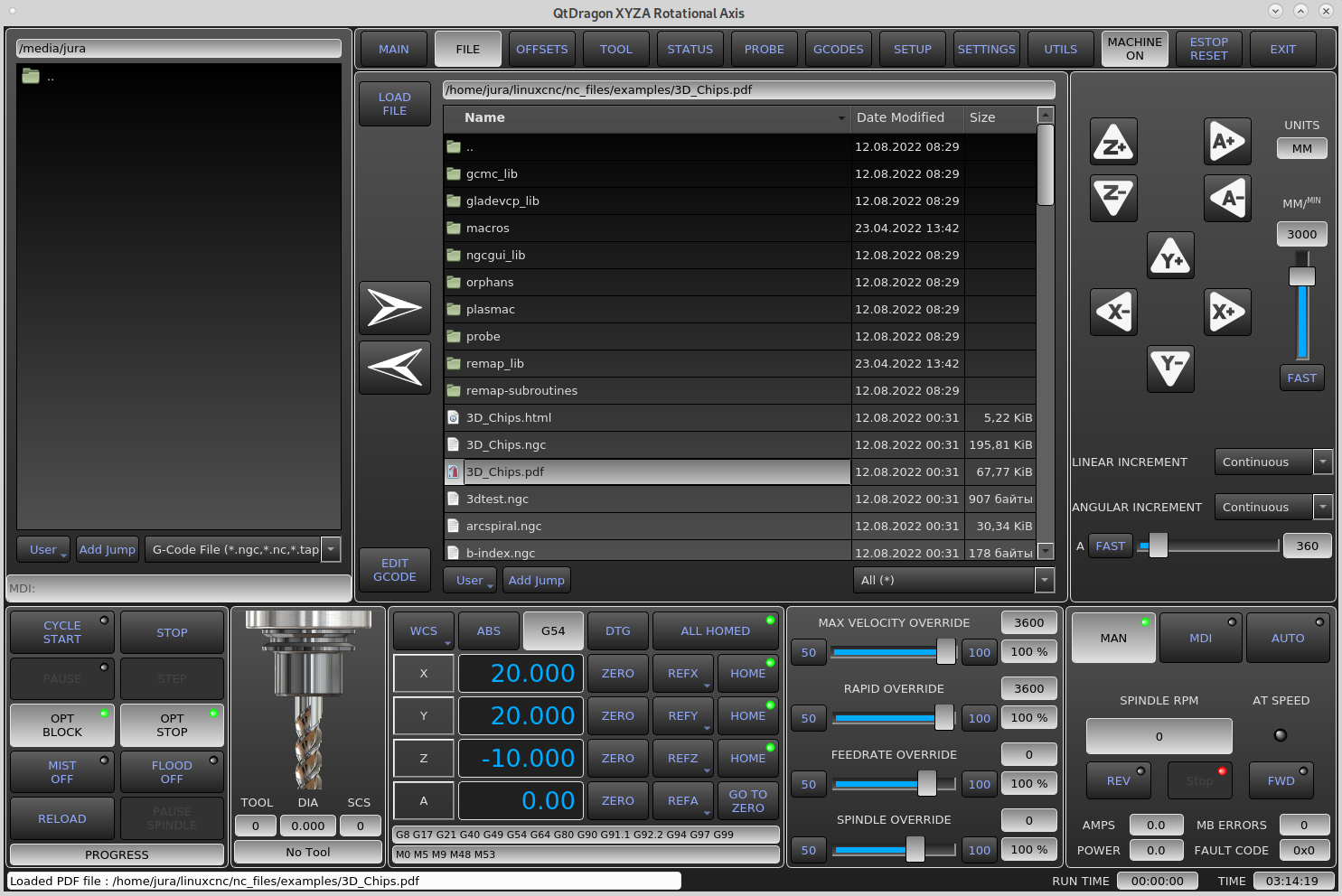
 Two other problems:1. With manual movements of the A axis, the "fast/slow" switch does not toggle the value.2. In the "setup" tab, the link to local files in lcnc installed in the virtual machine works normally, but on a normal computer this link does not work for me, I cannot find the reason. Does it do the same for you?
Marek
The problem with the "fast / slow" switch fixed, I am sending an updated .ui file
Marek
Marek
The problem with the "fast / slow" switch fixed, I am sending an updated .ui file
Marek
Last edit: 4 years 2 months ago by MarkoPolo.
Please Log in or Create an account to join the conversation.

4 years 2 months ago - 4 years 2 months ago #249613
by hottabich
Replied by hottabich on topic Error in tool_offsetview.py
To switch in the designer, you need to add a signal slot or an attached file. linuxcnc installed in computer.
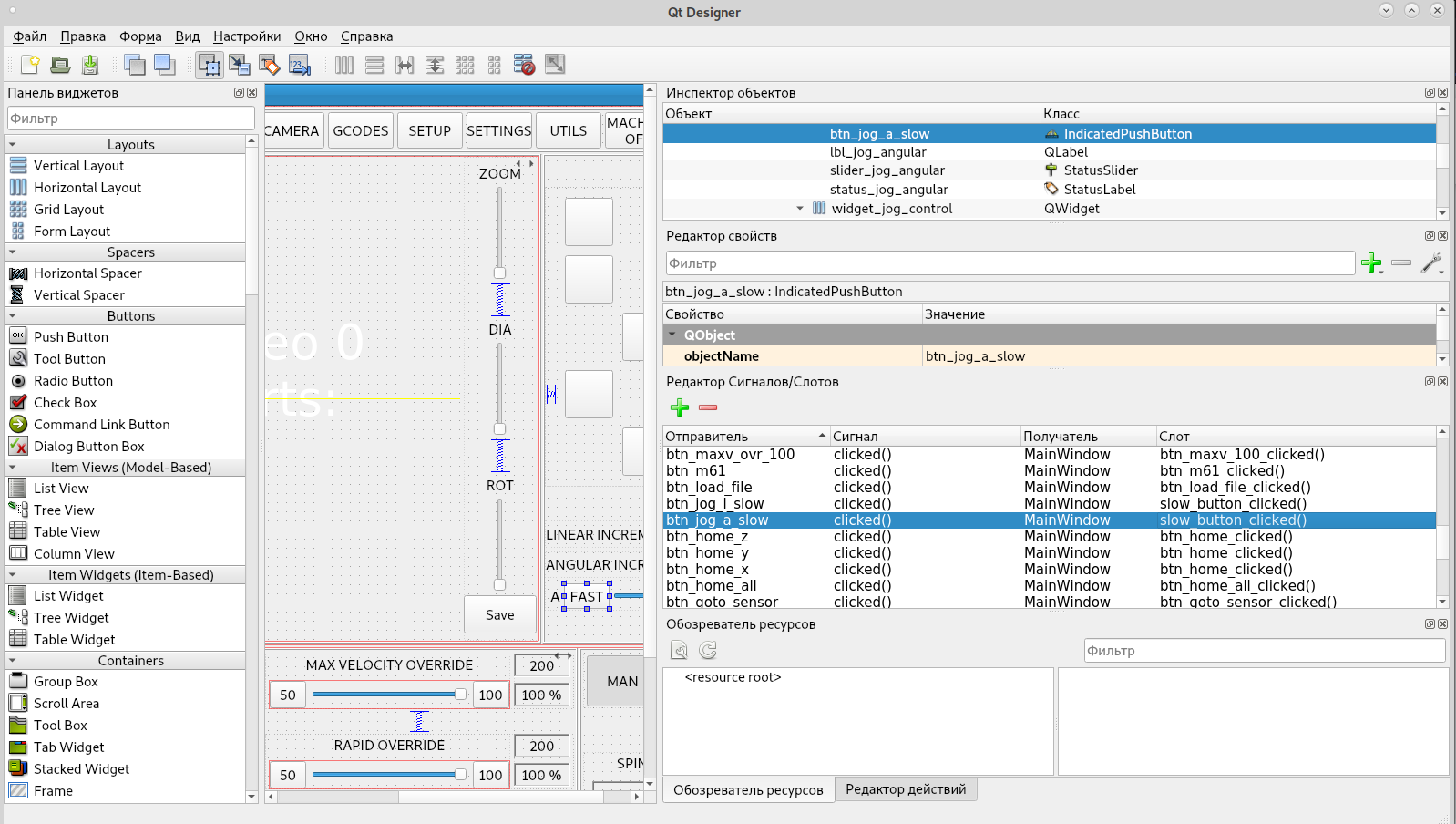
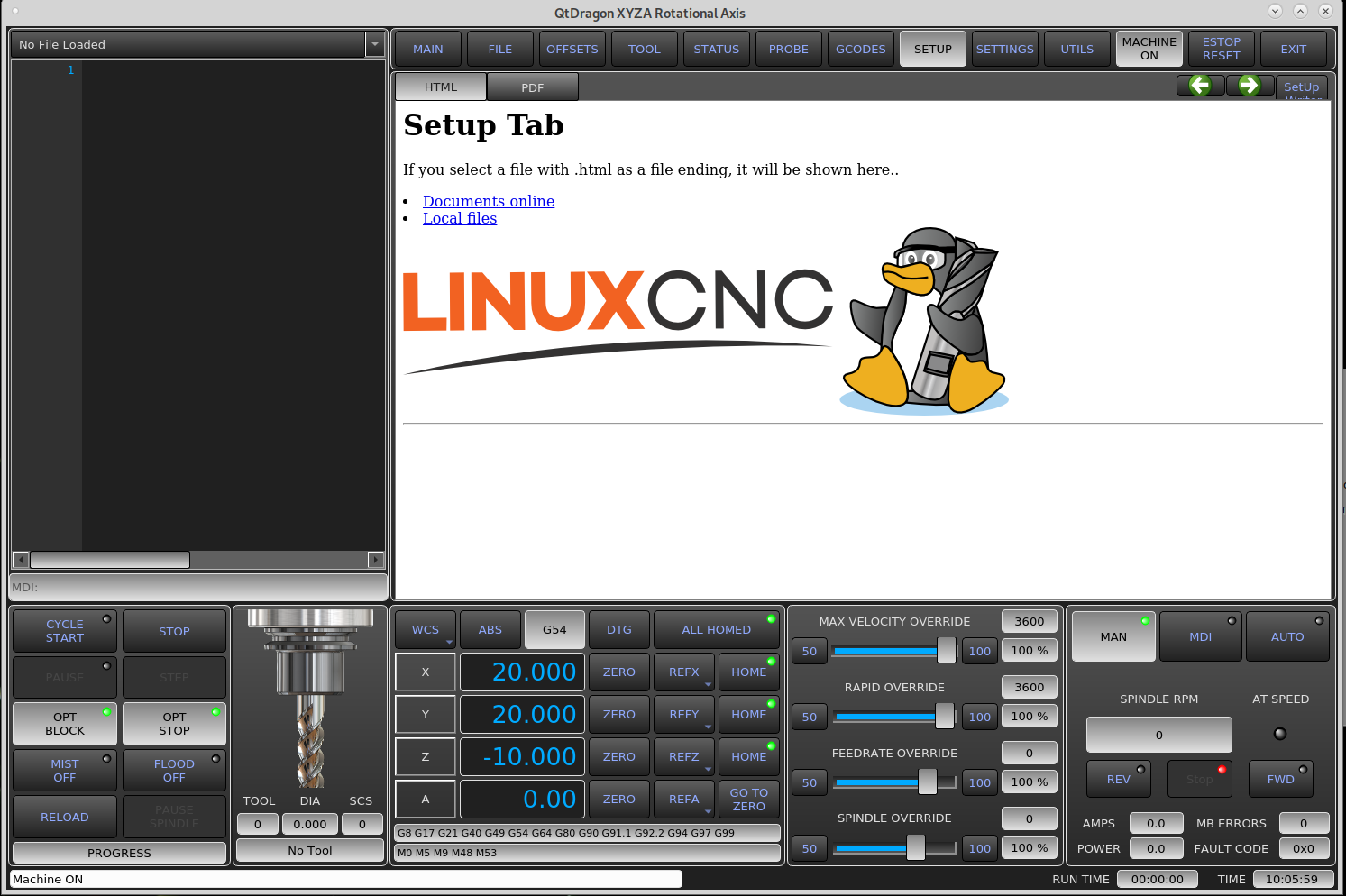
Last edit: 4 years 2 months ago by hottabich.
Please Log in or Create an account to join the conversation.
4 years 2 months ago #249616
by MarkoPolo
Replied by MarkoPolo on topic Error in tool_offsetview.py
"Fast / slow" switch problem fixed, sent updated .ui file
After pressing the link "local files" are computer files displayed to you?
After pressing the link "local files" are computer files displayed to you?
Please Log in or Create an account to join the conversation.
4 years 2 months ago #249632
by hottabich
Replied by hottabich on topic Error in tool_offsetview.py
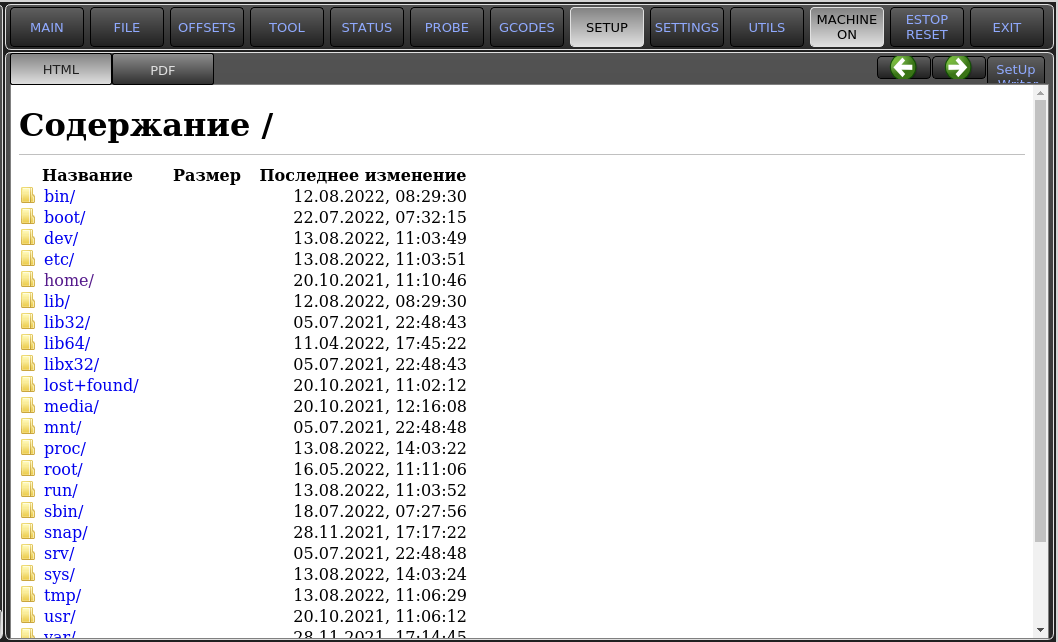
Yes. After pressing the link "local files" are computer files displayed.
Please Log in or Create an account to join the conversation.
4 years 2 months ago #249635
by MarkoPolo
Replied by MarkoPolo on topic Error in tool_offsetview.py
hi Chris
I see that you changed the ui file, but I think something went wrong, because after the update there are no changes, the "fast/slow" switch does not work.
In the handler file, the sizes of the buttons from the setup tab are changed
Marek
I see that you changed the ui file, but I think something went wrong, because after the update there are no changes, the "fast/slow" switch does not work.
In the handler file, the sizes of the buttons from the setup tab are changed
Marek
Please Log in or Create an account to join the conversation.
4 years 2 months ago #249645
by hottabich
Replied by hottabich on topic Error in tool_offsetview.py
Please open the pdf file. And with the attached handler as well. How will be better?
Please Log in or Create an account to join the conversation.
Moderators: cmorley
Time to create page: 0.078 seconds