

- Posts: 4819
- Thank you received: 2177
TCP 5-axis kinematics
5 years 3 months ago #214894
by Aciera
Anyway, I'm glad you got it working.
Replied by Aciera on topic TCP 5-axis kinematics
That is not really necessary. The reason why I wanted you to check the simulation configs is because that is an easy way to find out if you have 2.9pre with switchable kinematics installed.I didn't understand that it was necessary to open an xyzac simulation and then save it.
Anyway, I'm glad you got it working.
Please Log in or Create an account to join the conversation.
- REX299
- New Member
-

Less
More
- Thank you received: 0
5 years 3 months ago #214895
by REX299
Replied by REX299 on topic TCP 5-axis kinematics
Hi look through your configuration file, it seem have to put offset value in to .Ini file instead of Hal file?
Please Log in or Create an account to join the conversation.

5 years 3 months ago #214896
by JackRay
Replied by JackRay on topic TCP 5-axis kinematics
Me too ,image missing /media/kunena/emoticons/smile.pngimage missing /media/kunena/emoticons/smile.pngimage missing /media/kunena/emoticons/smile.pngimage missing /media/kunena/emoticons/w00t.png
my configuration works very well now, I just have to go and machine parts.
thanks again
my configuration works very well now, I just have to go and machine parts.
thanks again
Please Log in or Create an account to join the conversation.
5 years 3 months ago #214898
by JackRay
Replied by JackRay on topic TCP 5-axis kinematics
Yes , it's possible with "HALCMD" commands .
Please Log in or Create an account to join the conversation.
5 years 3 months ago #214902
by JackRay
Replied by JackRay on topic TCP 5-axis kinematics
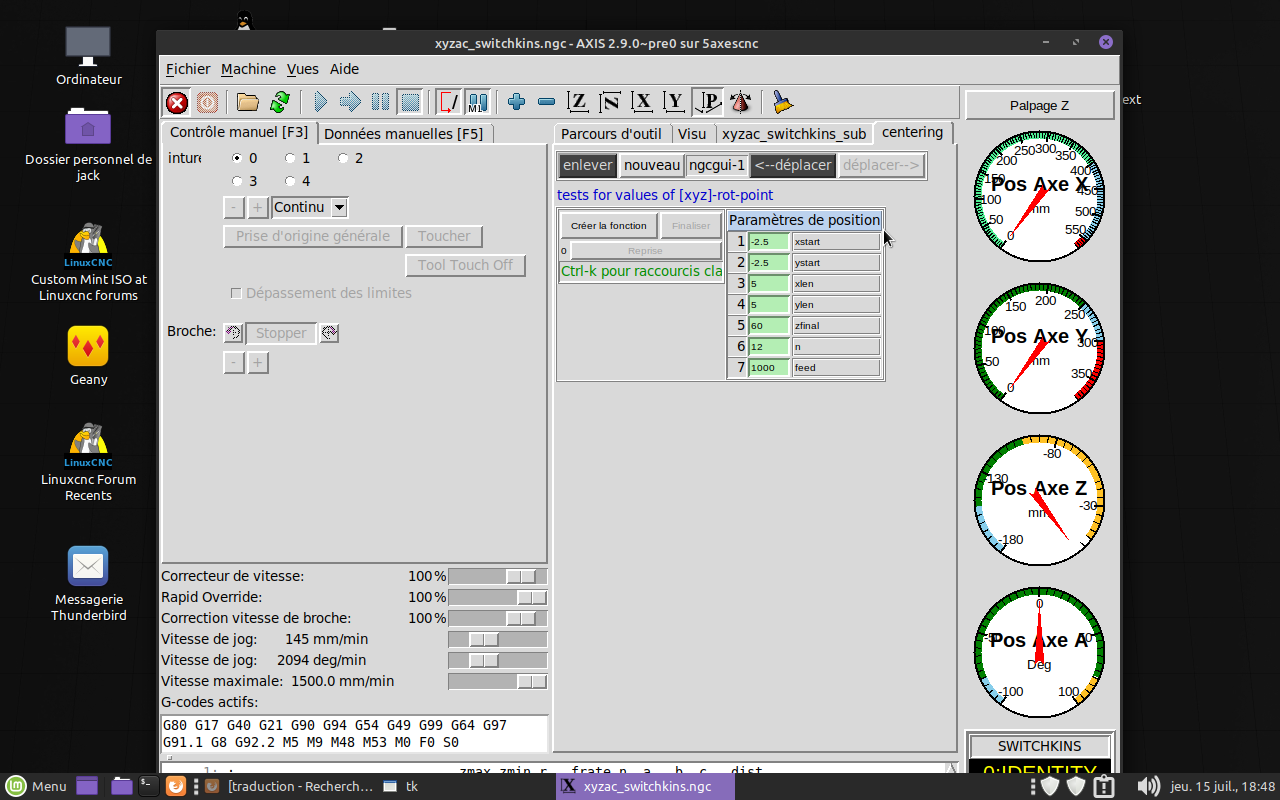
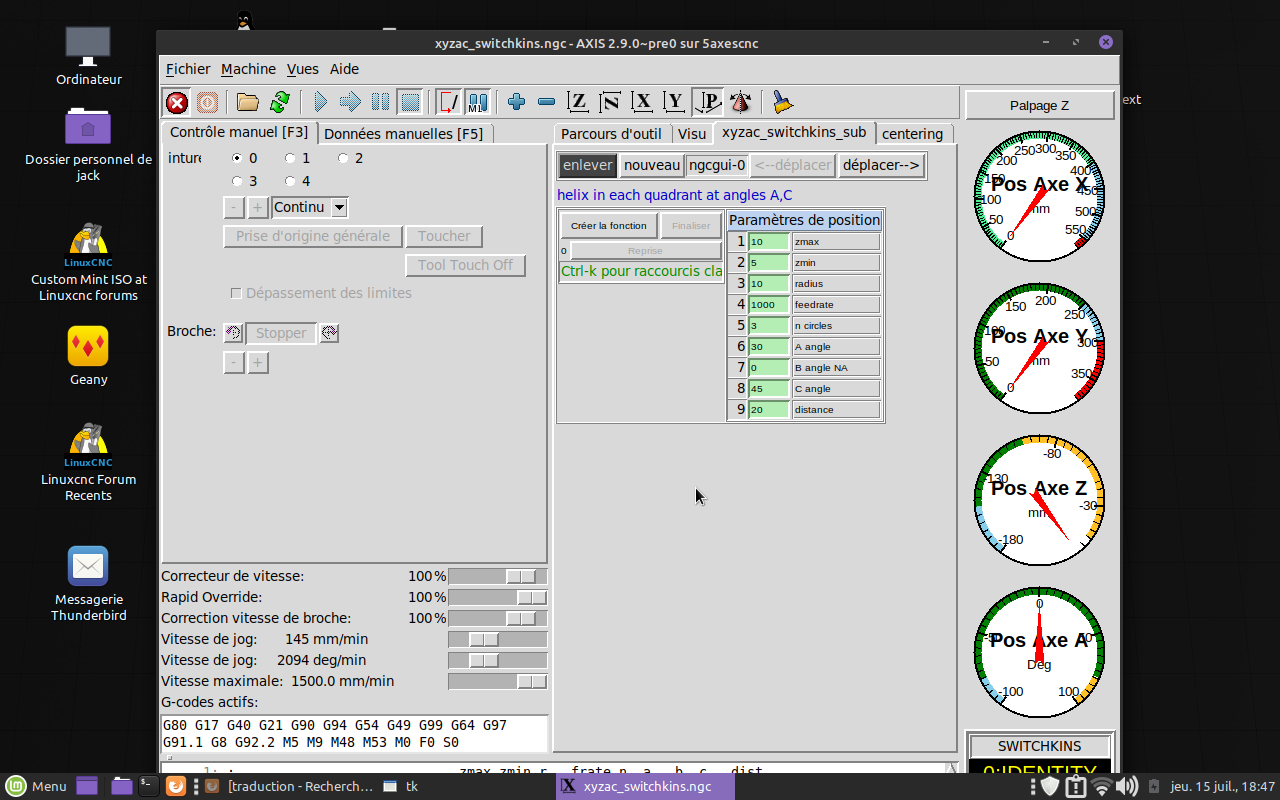
one last question, what are these two tables for in the linuxcnc xyzac-trt interface. Is there an inflance in the position of the pivot center.
or the settings of the pivot center in the .hal or .ini files are sufficient
Thank you
or the settings of the pivot center in the .hal or .ini files are sufficient
Thank you
Please Log in or Create an account to join the conversation.
5 years 3 months ago #214908
by Aciera
Replied by Aciera on topic TCP 5-axis kinematics
The first table is to change the helical tool paths in the example program and the other seems to be for experimenting with the rot-point But these are not necessary.
The important thing is to get the Y,Z offsets and the X Y Z values of the rotation point right.
Nice to see that you got it working too.
The important thing is to get the Y,Z offsets and the X Y Z values of the rotation point right.
Nice to see that you got it working too.
The following user(s) said Thank You: JackRay
Please Log in or Create an account to join the conversation.
Time to create page: 0.078 seconds