Hello

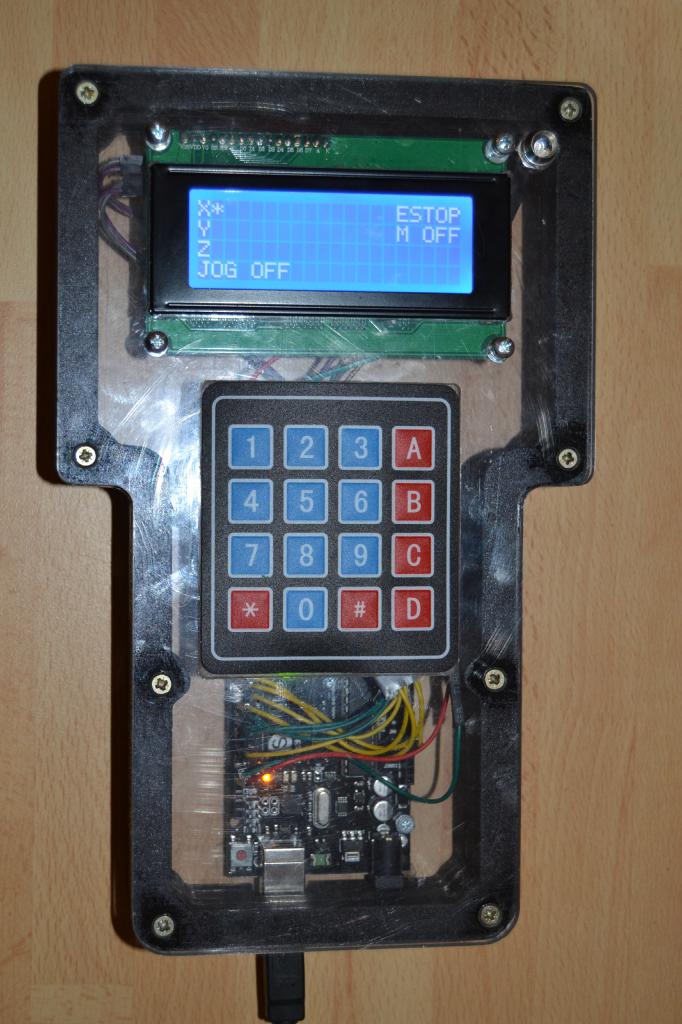
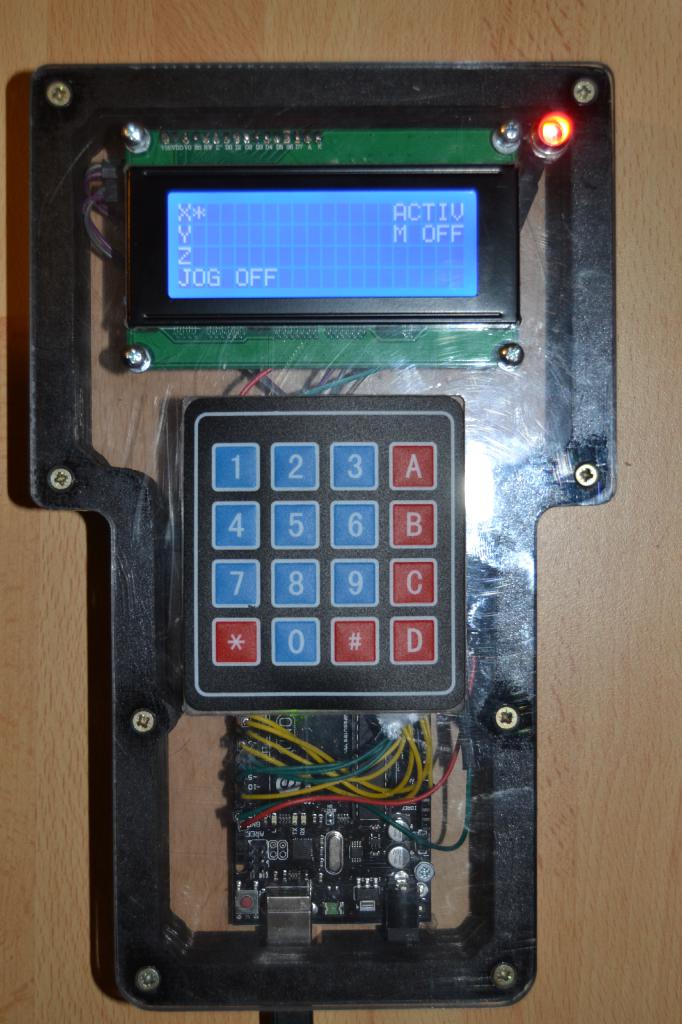
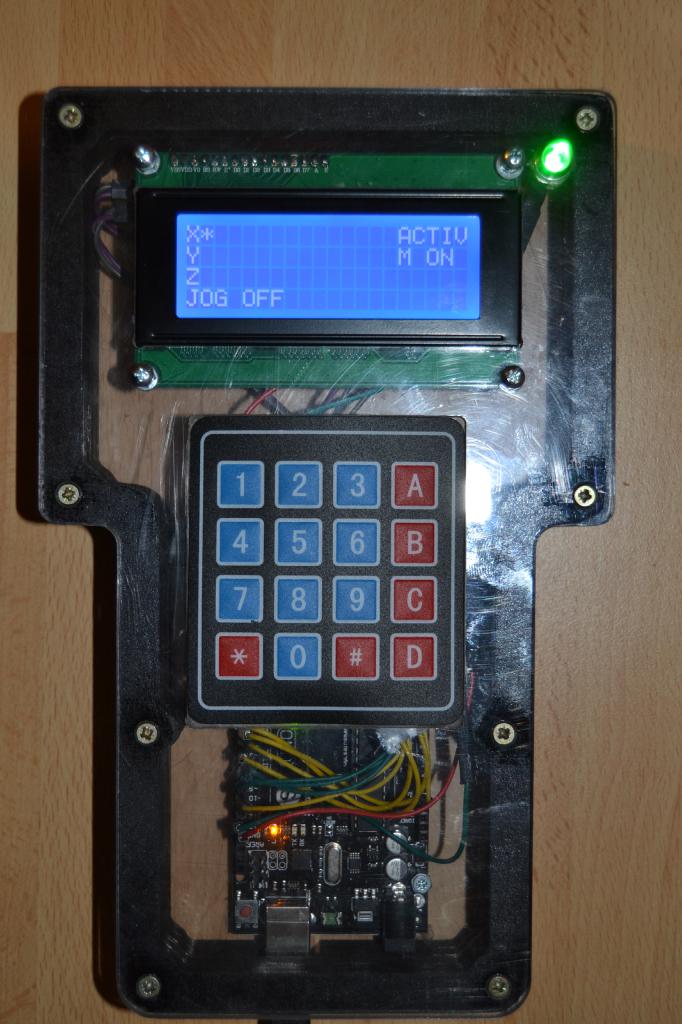
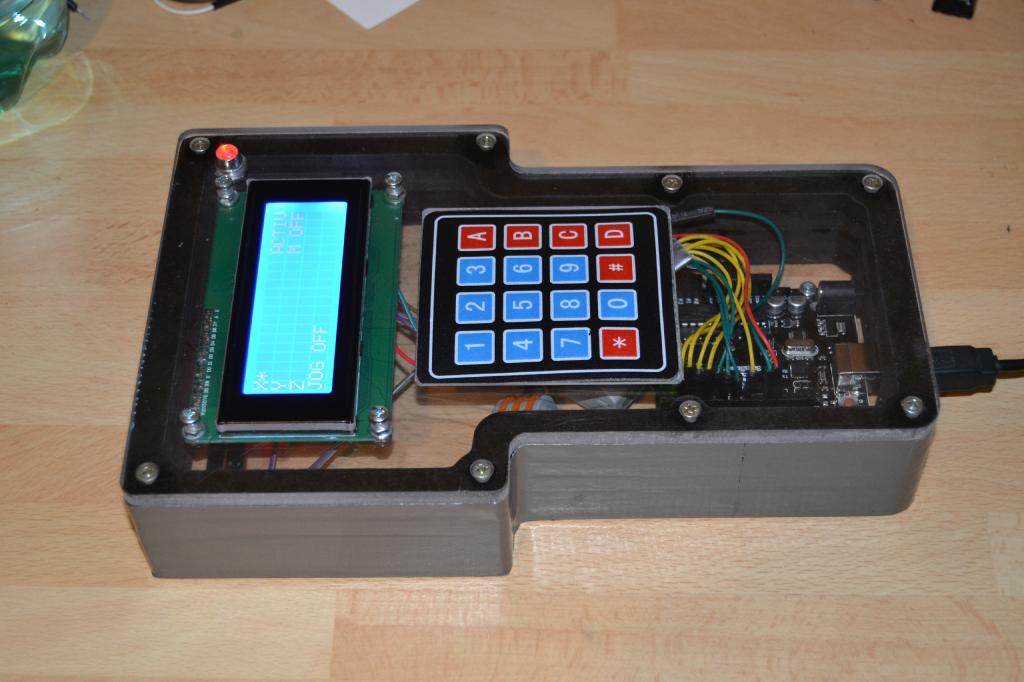
i want use some MDI Commands on the Keypad.
My Thoughts where, change the output for the LCD in the INO File like this:
Code:
case '*': // MDI 1
if(!bEstop && bMachine)
{
Serial.write('1');
lcd.setCursor(13, 2);
lcd.print("XY-0 ");
}
break;
case '0': // MDI 2
if(!bEstop && bMachine)
{
Serial.write('2');
lcd.setCursor(13, 2);
lcd.print("Z-0 ");
}
break;
case '#': // MDI 3
if(!bEstop && bMachine)
{
Serial.write('3');
lcd.setCursor(13, 2);
lcd.print("CAM OFF");
}
break;
and in the serialcon2 like this:
Code:
case '1':
system("halcmd setp halui.mdi-command-01 1");
system("halcmd setp halui.mdi-command-02 0");
system("halcmd setp halui.mdi-command-05 0");
break;
case '2':
system("halcmd setp halui.mdi-command-01 0");
system("halcmd setp halui.mdi-command-02 1");
system("halcmd setp halui.mdi-command-05 0");
break;
case '3':
system("halcmd setp halui.mdi-command-01 0");
system("halcmd setp halui.mdi-command-02 0");
system("halcmd setp halui.mdi-command-05 1");
break;
Must i add the Commands in my postguil.hal like this ?
Code:
net remote-xy-home halui.mdi-command-01 <= serialcon2.xy-home
net remote-z-home halui.mdi-command-02 <= serialcon2.z-home
net remote-fraeser0- halui.mdi-command-05 <= serialcon2.fraeser0-
Or w/o the
<=
This is my current custom_postgui.hal
Code:
# Benutzerdefinierte HAL-Anweisungen können nachfolgend angegeben werden
# Die Befehle in dieser Datei werden nach der AXIS GUI (und PyVCP-Panel) ausgeführt.
loadusr -W serialcon2
net Xpos halui.axis.0.pos-relative serialcon2.xposition
net Ypos halui.axis.1.pos-relative serialcon2.yposition
net Zpos halui.axis.2.pos-relative serialcon2.zposition
loadrt mult2
addf mult2.0 servo-thread
setp mult2.0.in1 60
net vel-sec <= motion.current-vel => mult2.0.in0
net vel-min <= mult2.0.out => pyvcp.mmmin
sets spindle-at-speed true
net remote-rapid-to-home halui.mdi-command-00 <= pyvcp.rapid-to-home
net remote-xy-home halui.mdi-command-01 <= pyvcp.xy-home
net remote-z-home halui.mdi-command-02 <= pyvcp.z-home
net remote-fraeser0+ halui.mdi-command-03 <= pyvcp.fraeser0+
net remote-fraeser0 halui.mdi-command-04 <= pyvcp.fraeser0
net remote-fraeser0- halui.mdi-command-05 <= pyvcp.fraeser0-
net remote-x halui.mdi-command-06 <= pyvcp.x
net remote-y halui.mdi-command-07 <= pyvcp.y
net remote-z halui.mdi-command-08 <= pyvcp.z
net remote-xyz halui.mdi-command-09 <= pyvcp.xyz
net Xpos halui.axis.0.pos-relative <= pyvcp.Xpos
net Ypos halui.axis.1.pos-relative <= pyvcp.Ypos
net Zpos halui.axis.2.pos-relative <= pyvcp.Zpos
And the [Halui] Section in my .ini File
Code:
[HALUI]
# HalUI-MDI-Befehle hier einfügen (max. 64)
MDI_COMMAND = G0 X0 Y0 Z0
MDI_COMMAND = G0 X0 Y0
MDI_COMMAND = G0 Z0
MDI_COMMAND = G0 X18.789 Y94.072
MDI_COMMAND = G0 X0 Y0
MDI_COMMAND = G0 X-18.789 Y-94.072
MDI_COMMAND = G92 X0
MDI_COMMAND = G92 Y0
MDI_COMMAND = G92 Z0
MDI_COMMAND = G92 X0 Y0 Z0
Thanks for your understanding
Greetings Fritz


 THANK YOU - God bless!