Retrofit of Precix 5x10 CNC

More
7 years 2 months ago #142334 by Todd Zuercher
I would not even call what he needs to do tuning. He just needs to reconfigure the parameters of his VFD for his router spindle after he mucked around with the settings. Most of the big routers I have worked with came with a paper copy of those settings included with the documentation (if you have it. )
The following user(s) said Thank You: randypetersen

Please Log in or Create an account to join the conversation.

More
7 years 2 months ago #142336 by randypetersen
Thanks Todd/PCW,

As far as the VFD setting go, I didn't change anything. I did go through them to make sure they weren't defaults. Everything appears to be set for the spindle I have. The items I could see matched the nameplate on the spindle.

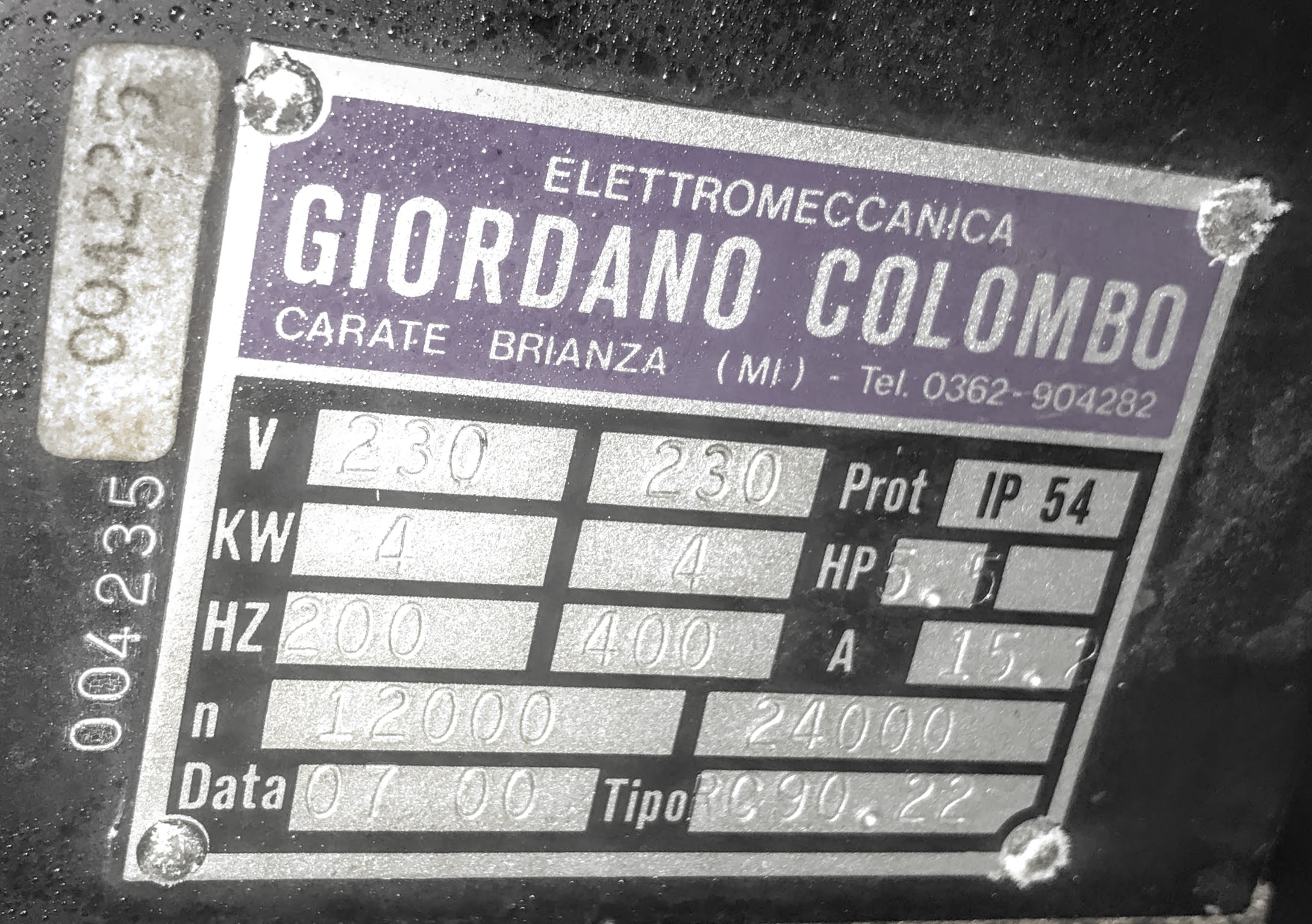
I didn't get any paperwork with the spindle, and having difficulty finding a manual.
Colombo Site
That's similar, but this one is 220V RC90.22 I believe,.
I have yet to contact them.

Do you think my problem is with the VFD settings?

Thanks PCW, I guess I figured this spindle setup didn't have feedback of any sort. Shows what I don't know...
I know there is some wires coming from spindle for the ATC, do you think there would be some sort of velocity sensor wire in that bundle? I know there is a wire, that show when the spindle is not moving so you can initiate the ATC.

I figured you set up the VFD, then the MESA card would output 5V and the VFD would translate that to 50% power/speed. and it would just go from there?


Thanks guys!

Please Log in or Create an account to join the conversation.
More
7 years 2 months ago #142353 by randypetersen
apologies Todd,

I thought I would try it just with the VFD which seemed to be working before, well it wasn't. So I was going through the settings on the VFD and the "Rated Speed" was set to "1" and it states if the RPM is greater than 9999 to use a value of "0" so I changed it to 0 and it's behaving much better. Thanks for pointing me in that direction! I must have accidentally changed it when I was changing the input mode from panel to the mesa input.

Now with the spindle again performing properly, I will reconnect it to MESA and try it again.

Thanks again!

Please Log in or Create an account to join the conversation.
More
7 years 2 months ago #142494 by randypetersen
As always thanks for all the help from the forum, clearly I couldn't have done this without you guys.

Been reading about Tool Changers on the forum and the various ways to accomplish this.
Sounds like G-code remap is the easiest method for using a tool changer with a rack system?
I checked out this demo:
sim->axis->remap->racktoolchanger

Would I be able to check my sensors with this method?

Here is some psuedo code I came up when I first started thinking about a tool changer:
Code:
**place tool** z up to high position (max) - clear work piece/table x-y to proper position in front of rack (in line of clamps) z down to proper height in front of rack clamp make sure spindle is stopped sensor 1 x into tool clamp - sliding tool holder into clamp solenoid on to release tool holder make sure S3 active S2 not active z up to clear tool tool holders solenoid off make sure S2 active S3 not active x back to front of rack **pickup tool** z up to high position x-y to proper position in front of rack make sure spindle is stopped sensor 1 x over tool holder solenoid on to release tool holder make sure S3 active S2 not active z down to place tool solenoid off make sure S2 active S3 not active x back to front of rack sliding tool off clamp z up to high position

probably not even close to the correct ideology.

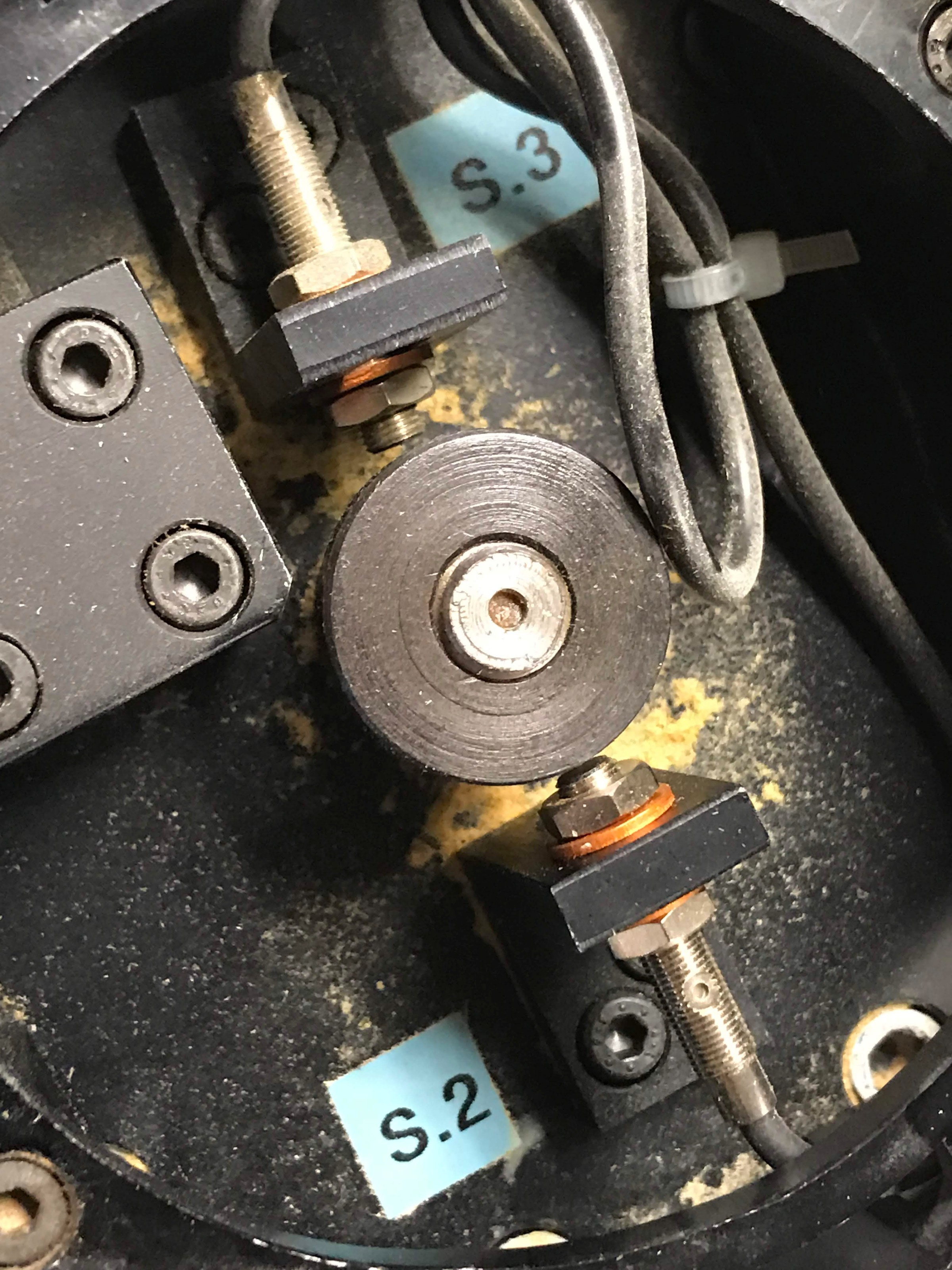
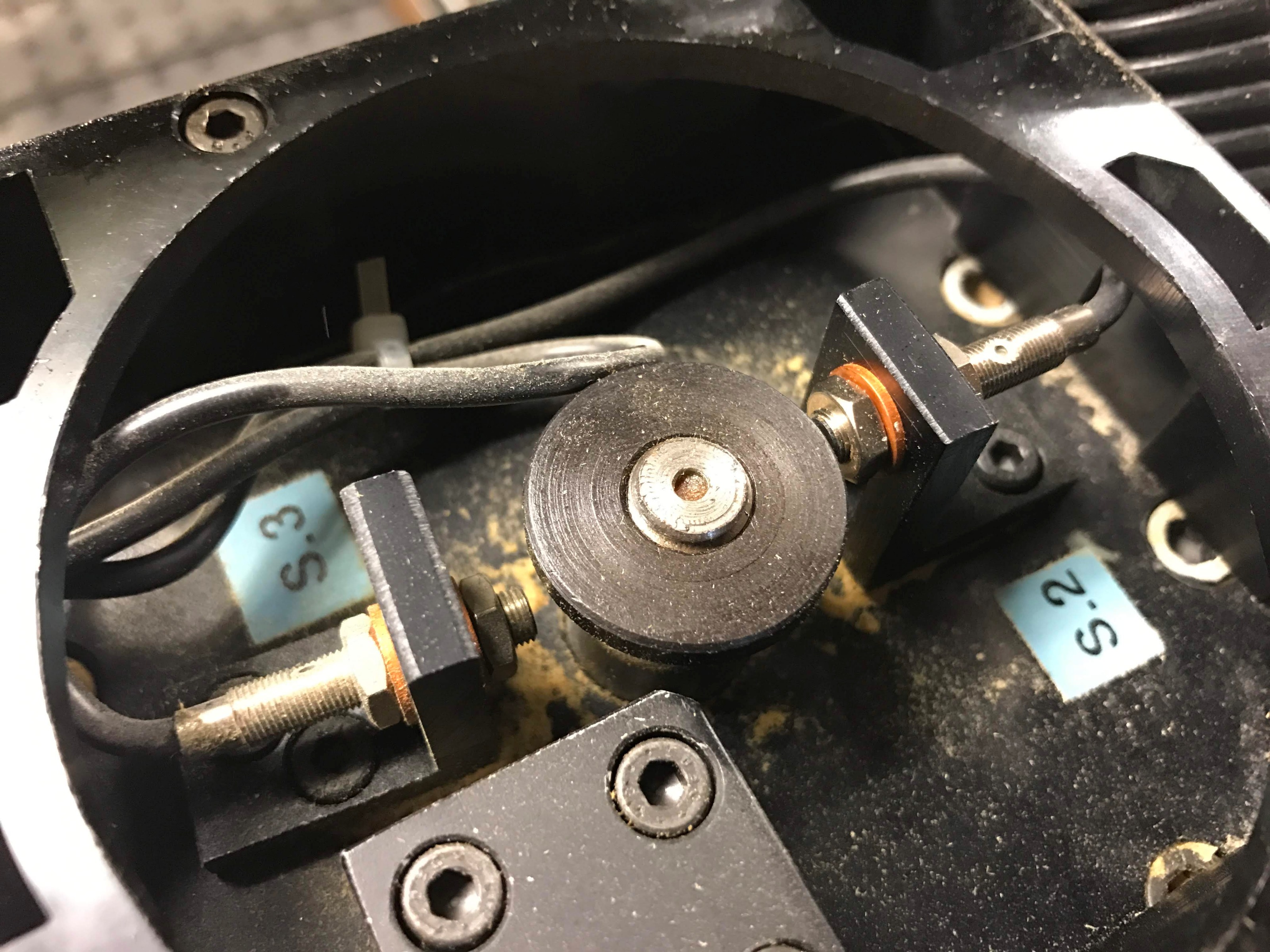
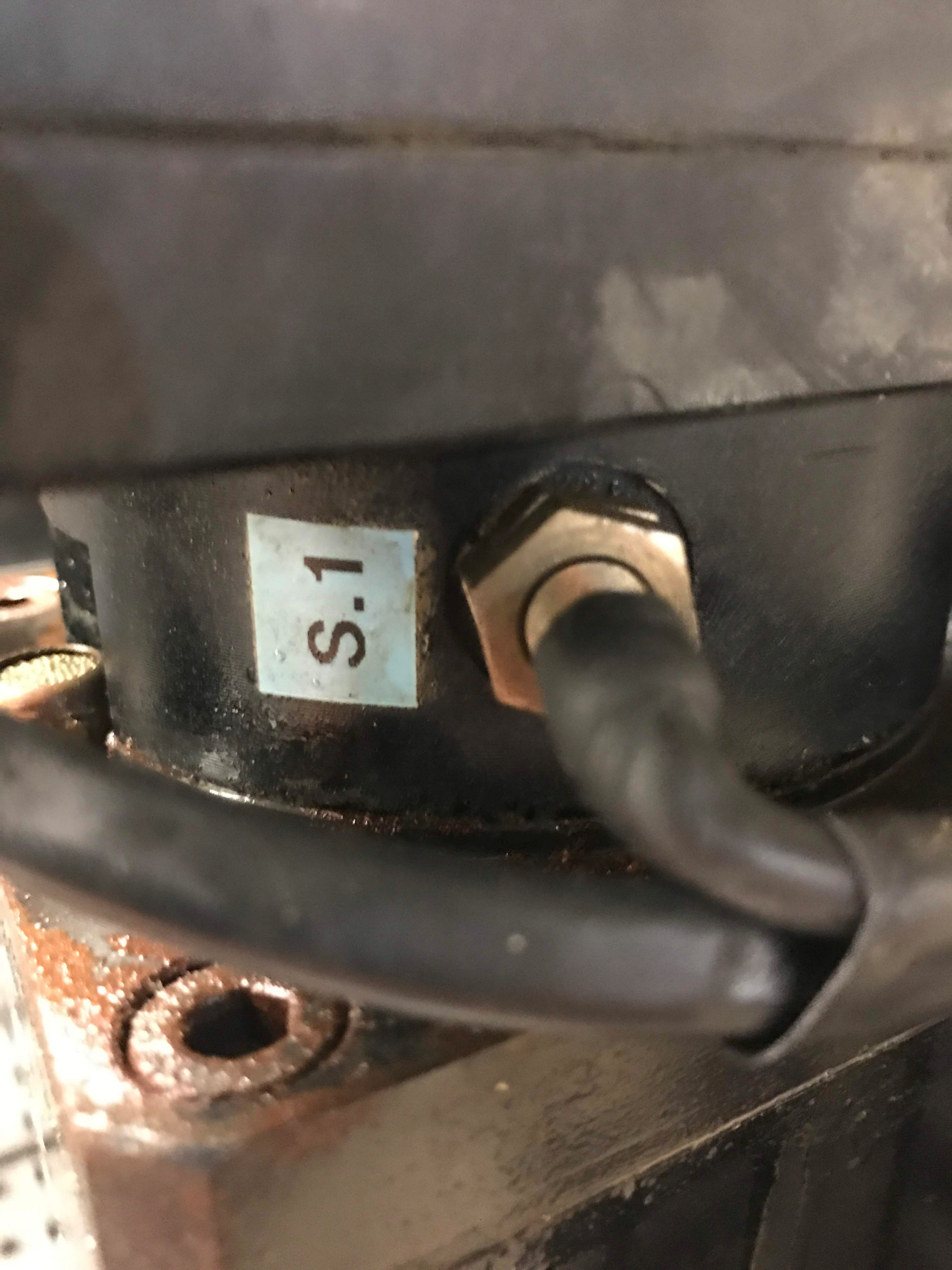
Couldn't find much info on these proximity sensors, I am guessing I would apply my 12V field power to one leg and would normally closed, open when it was active? Anyone got any experience with these colombo sensors. Also having a hard time tracking down the wires, since they appear to be sealed and then shrink tubed so I might have to remove some of the insulation to track down the wire going into my controller.

photos.app.goo.gl/KLZ2nPuCTjw1sw4r9
photos.app.goo.gl/owjzTMWsv3HBuu6U9

Please Log in or Create an account to join the conversation.
More
7 years 2 months ago #142497 by Todd Zuercher
Yes, you can check your sensors with this method. Using an M66 in your tool change g-code to check the status of the pin from the sensor.
linuxcnc.org/docs/html/gcode/m-code.html#mcode:m66

But I would not only rely on that. I would recommend programming some logic that always checks the status of the sensors when the spindle is commanded to run, and sets an alarm and stops everything if the sensor status isn't correct. This is how all the machines I've worked with were setup from the factory.

Please Log in or Create an account to join the conversation.
More
7 years 2 months ago #142671 by randypetersen
Quick question regarding spindle speed. My VFD is set to RAMP up pretty slow, which was how it was set. Also, when it stops it coasts to a stop, both of which can take quite a while.

I found this:
www.linuxcnc.org/docs/2.4/html/examples_spindle.html#r1_5
Is that the best practice to bring the spindle up to speed before cutting?

I almost put a 30 second pause in the G code, just figured there was a more elegant way to do it and wanted to make sure the "soft start" was still the proper way to do it, or maybe I just didn't have my info set properly.

thanks as always!

Please Log in or Create an account to join the conversation.

Moderators: PCW, jmelson
Time to create page: 0.362 seconds
Powered by Kunena Forum
