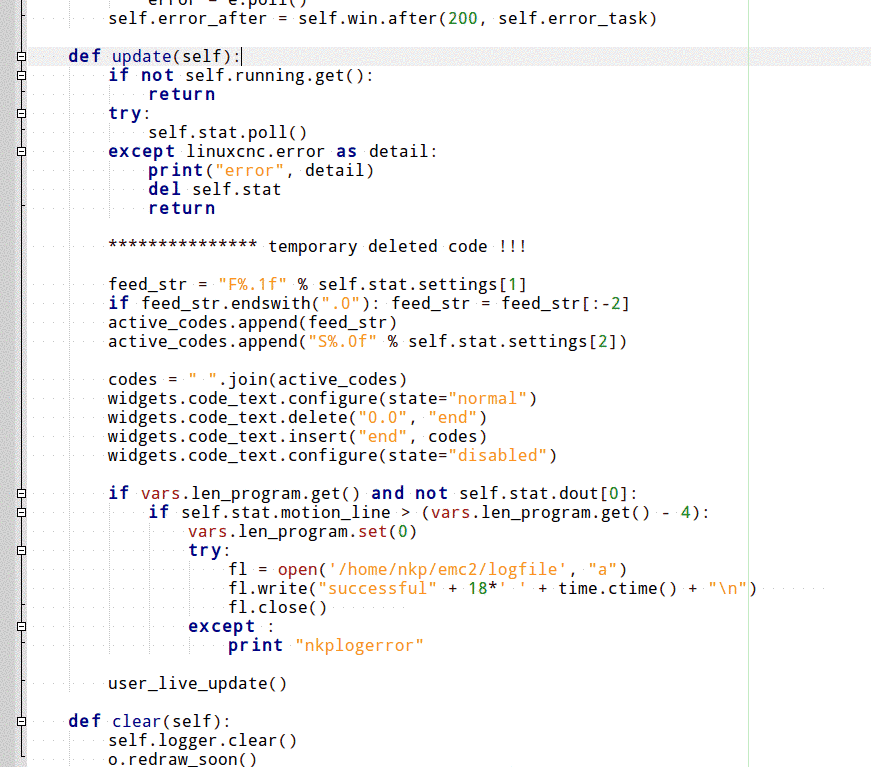
Ok, so I removed it from the axis file and did not any modifications on the .axisrc file...
I have changed the formatting so that I can import the log file into Excel as a space separated CSV file if needed. I have also added the cycle abort as a log event.
The Log file looks now this way:
Code:
probekreis.ngc started Fri Nov 12 10:10:39 2021
probekreis.ngc finished Fri Nov 12 10:11:28 2021
test.ngc started Fri Nov 12 10:12:06 2021
test.ngc aborted Fri Nov 12 10:12:14 2021
probekreis.ngc started Fri Nov 12 10:12:22 2021
probekreis.ngc finished Fri Nov 12 10:13:37 2021
If someone wants to create his logfile this way in the future, I attach my Axis file (works with Linuxcnc 2.8.2). All blocks which have to be inserted are marked with "# Logfile... "(how to proceed with macros is also explained in the notes).
The necessary steps are as follows:
- Create a file with e.g.: the name logfile (give all users read/write permissions to the file: right click Properties/Permissions...)
- Insert the marked blocks into your Axis file (located in usr/bin/).
- Adapt the file path in the different blocks in the Axis Python file to the location of your logfile.
Thats it... Thanks again to nkp for all the help.
File Attachment:
File Name:
axis.zip
File Size:34.91 KB