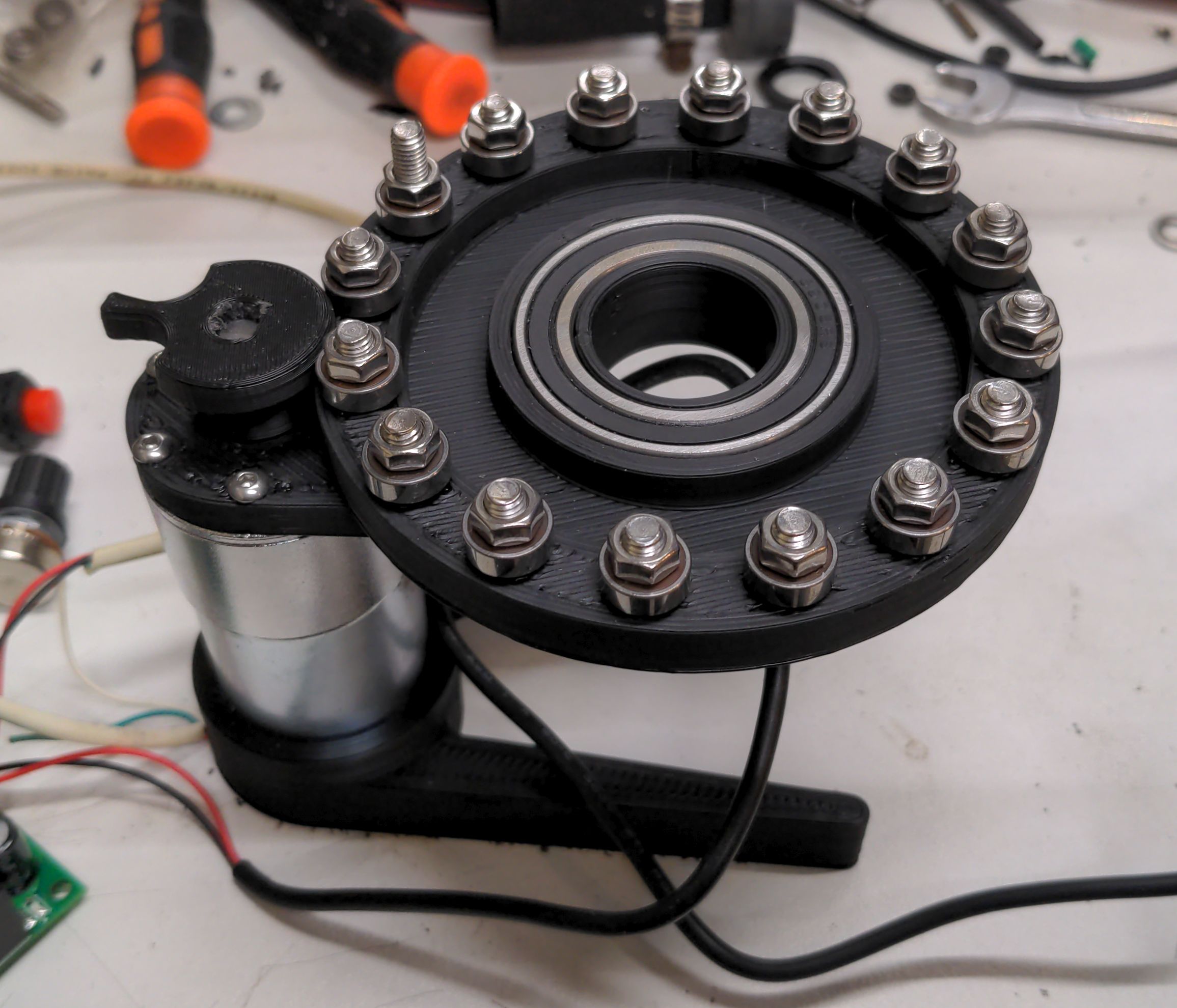
Ok i think i am waiting for an final version.
Before i print another one...
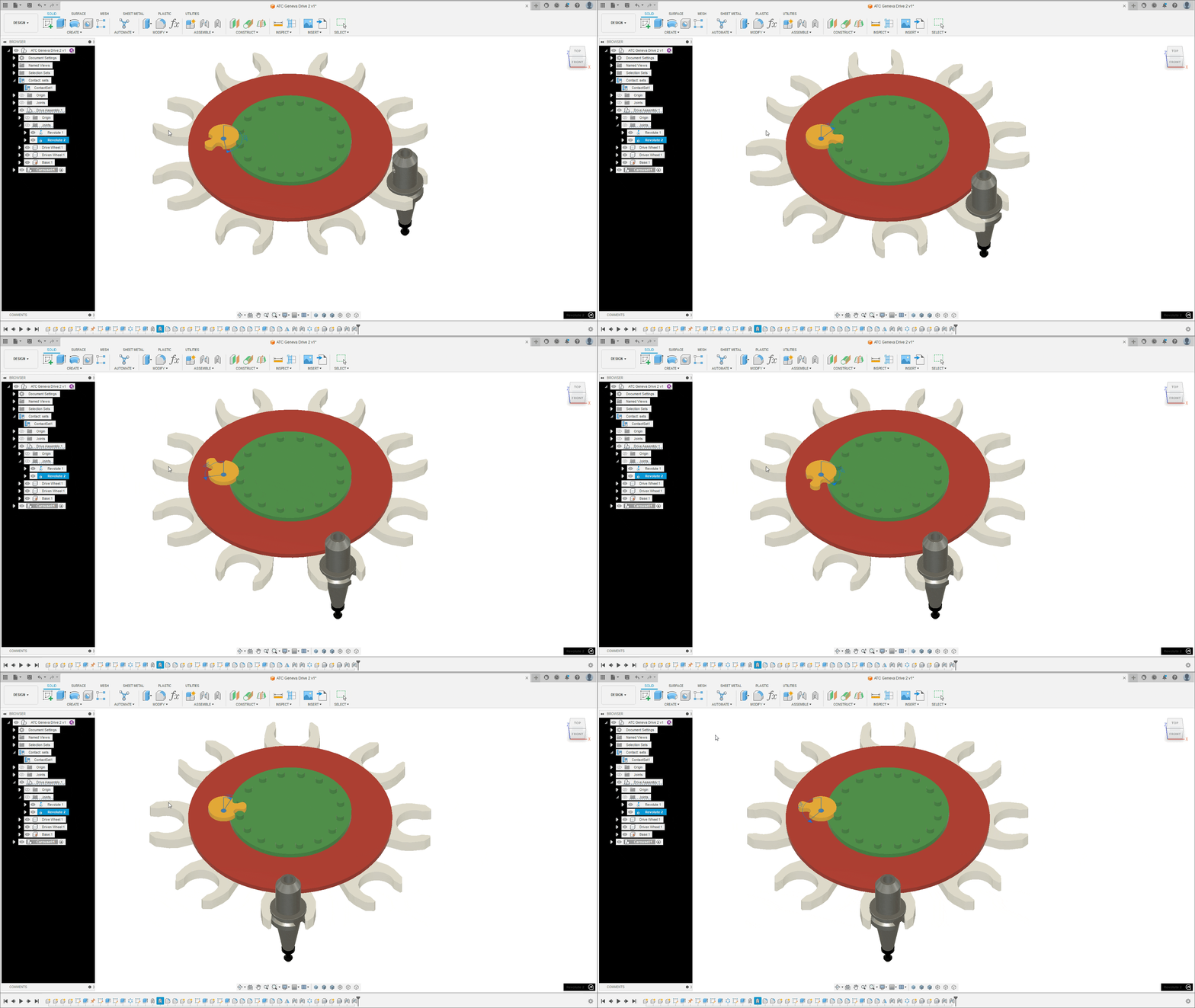
You've got three geneva designs to play with. The one in your model looks good, especially where you have screws bolting the long 'arms' to the main platter.
The two I've thrown out there may be easier to live with long-term as they don't require any lubrication. My suggestion is to pick one of the three and build a prototype ATC that you can control using Probe Basic.
Things to work on
- Create a copy of the Probe Basic config and merge your existing config in to it
- Add a velocity-mode stepper connection for the carousel that you can turn on/off through LCNC
- Add some inputs like I've mentioned earlier (including home sensor and pocket sensors)
Count the number of inputs and outputs you need (sensors, stepper FWD/REV, etc.) and adjust your hal file digital-ins and outs:
Code:
loadrt [EMCMOT]EMCMOT servo_period_nsec=[EMCMOT]SERVO_PERIOD num_joints=[KINS]JOINTS [b]num_dio=20 num_aio=64[/b]
This line creates the digital ins/outs and anlog out you need to trigger/command everything through G-code. Look through the PB subroutines named 'toolchange.ngc' and m10 through m20-something. You'll see lots of lines that look like
M64 P1
or
M65 P8
The M64 and M65 lines turn on the hal pin associated with the 'P' number in that line. The other end of the connection is to the hal input or output item:
Code:
net ATC-EXTEND-VALVE <= motion.digital-out-01 #ATC cylinder extend request
net ATC-EXTEND-VALVE => [HMOT](CARD0).7i76.0.0.output-03 #ATC cylinder extend solenoid valve
So in my config "M64 P1" turns on 7i76 output #3, which is the air valve to extend the carousel to the toolchange position.
For the sensors, you'll see lines like:
Code:
M64 P1 ; Turn on extend solenoid
M66 P1 L3 Q5 ; Check carousel extended sensor
O110 if [#5399 LT 0]
M65 P1 ; Turn off extend solenoid
(abort, ATC not in position) ; Abort if the sensor does not activate in 5 seconds
O110 endif
In my config, motion.digital-in-01 is the ATC extended sensor.
The "M66" line tells LCNC to wait for an input signal. In the above example, M64 P1 extends the carousel, and M66 tells LCNC to stop processing anything until the ATC-extended sensor is triggered. And if it takes too long (5 seconds in the example), shut off the extend solenoid and abort the toolchange process.
You'll be editing the PB files to match your specific digital in/out pins, so having a working copy separate from the 'stock' config is essential.