- Posts: 2581
- Thank you received: 907


That's a much better idea than just setting the KW to 0.00. I like it.I did a cut with a finecut tip and then a cut with a general purpose tip on a mid range thickness material and averaged the kerf width and that is my SheetCAM tool zero kerfwidth. Tool zero is the only tool I need in SheetCAM then.
Please Log in or Create an account to join the conversation.
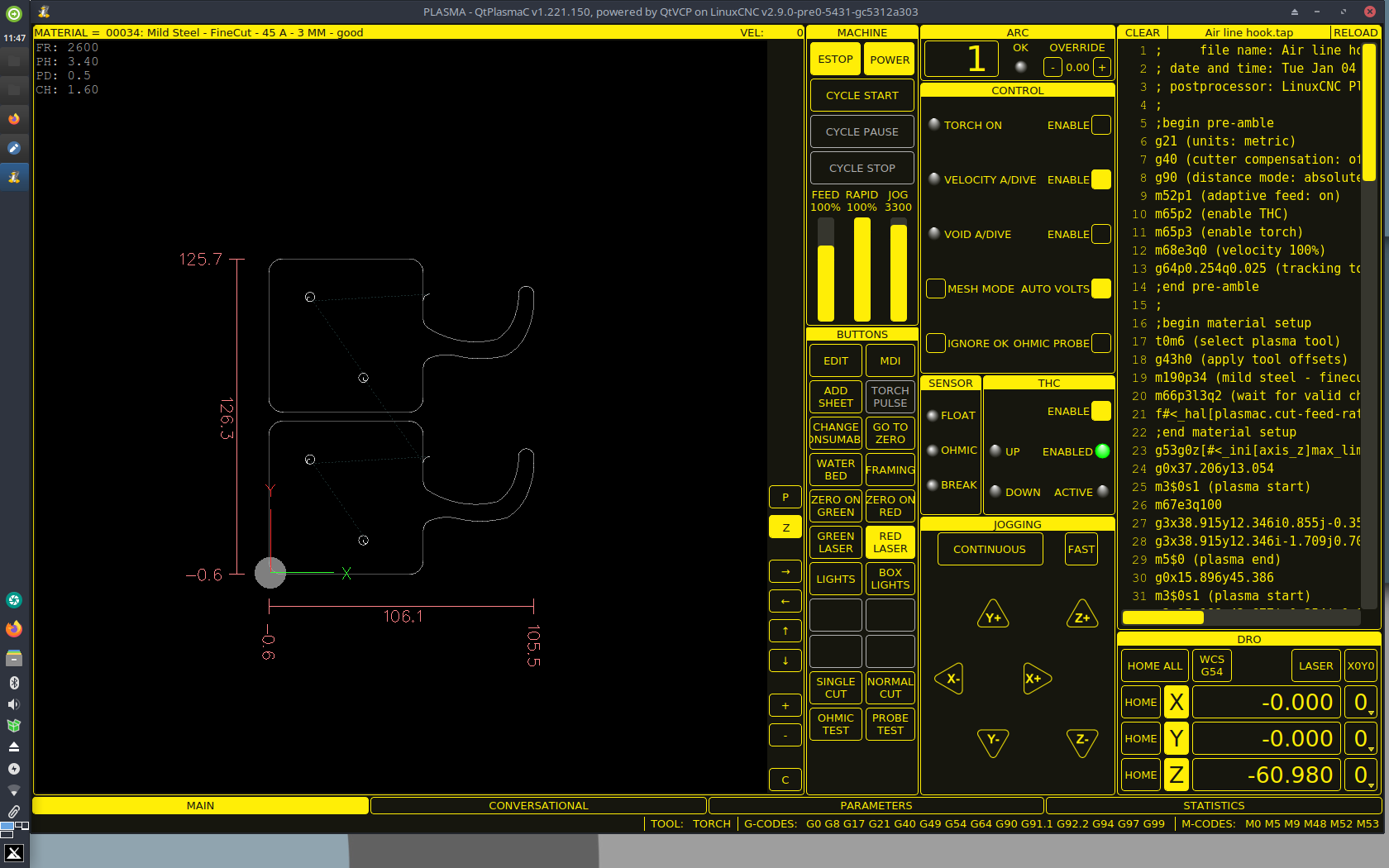
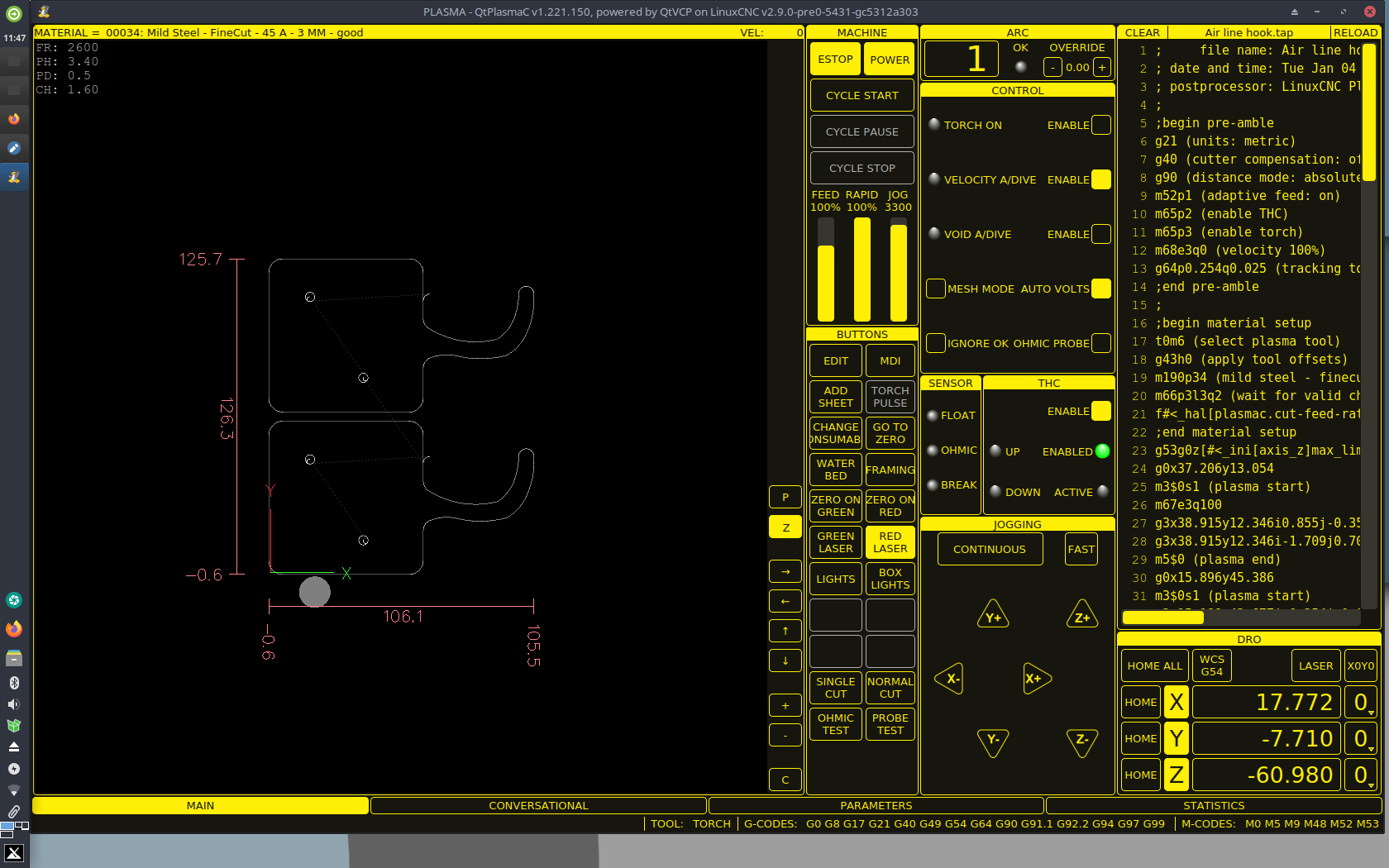
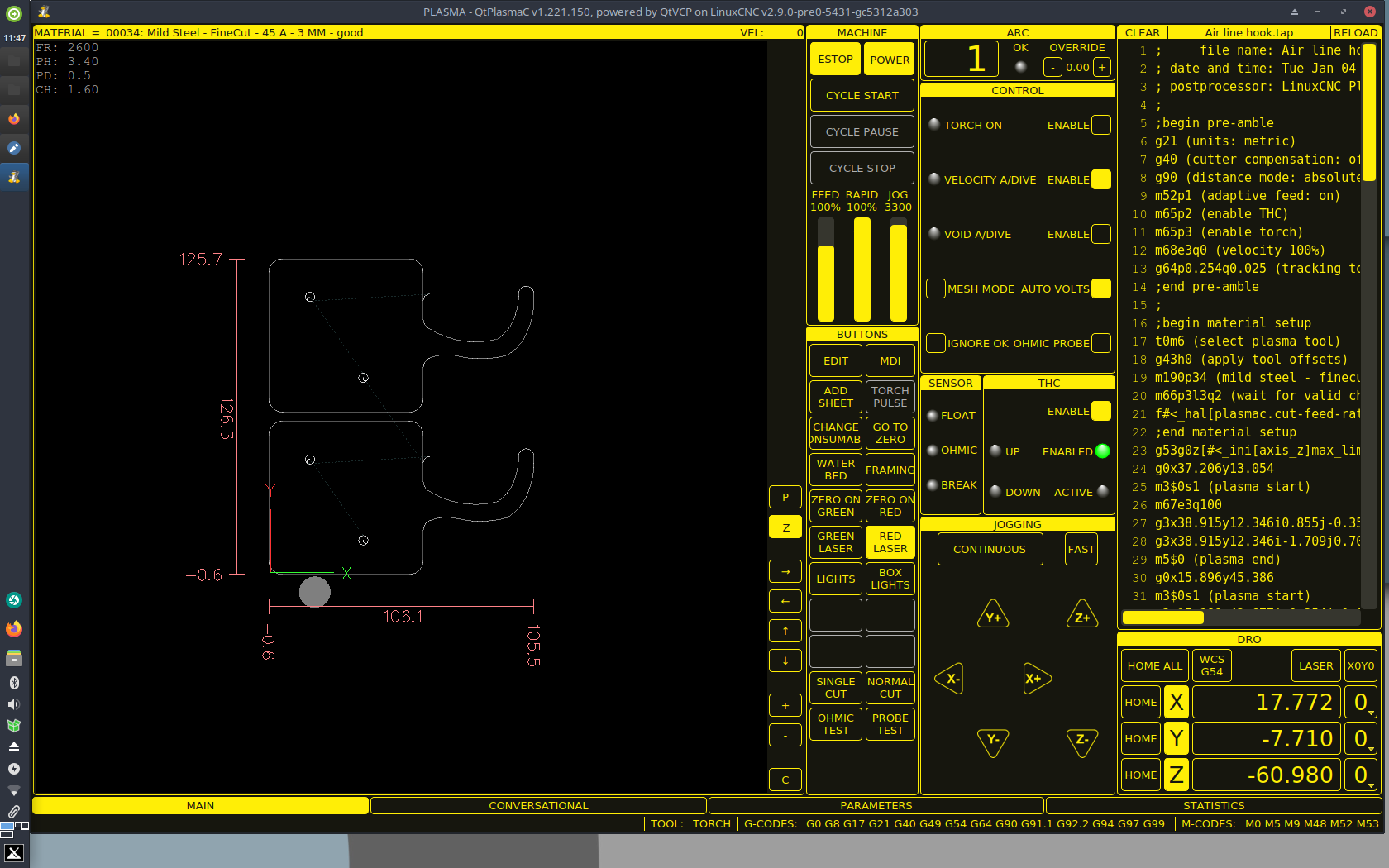
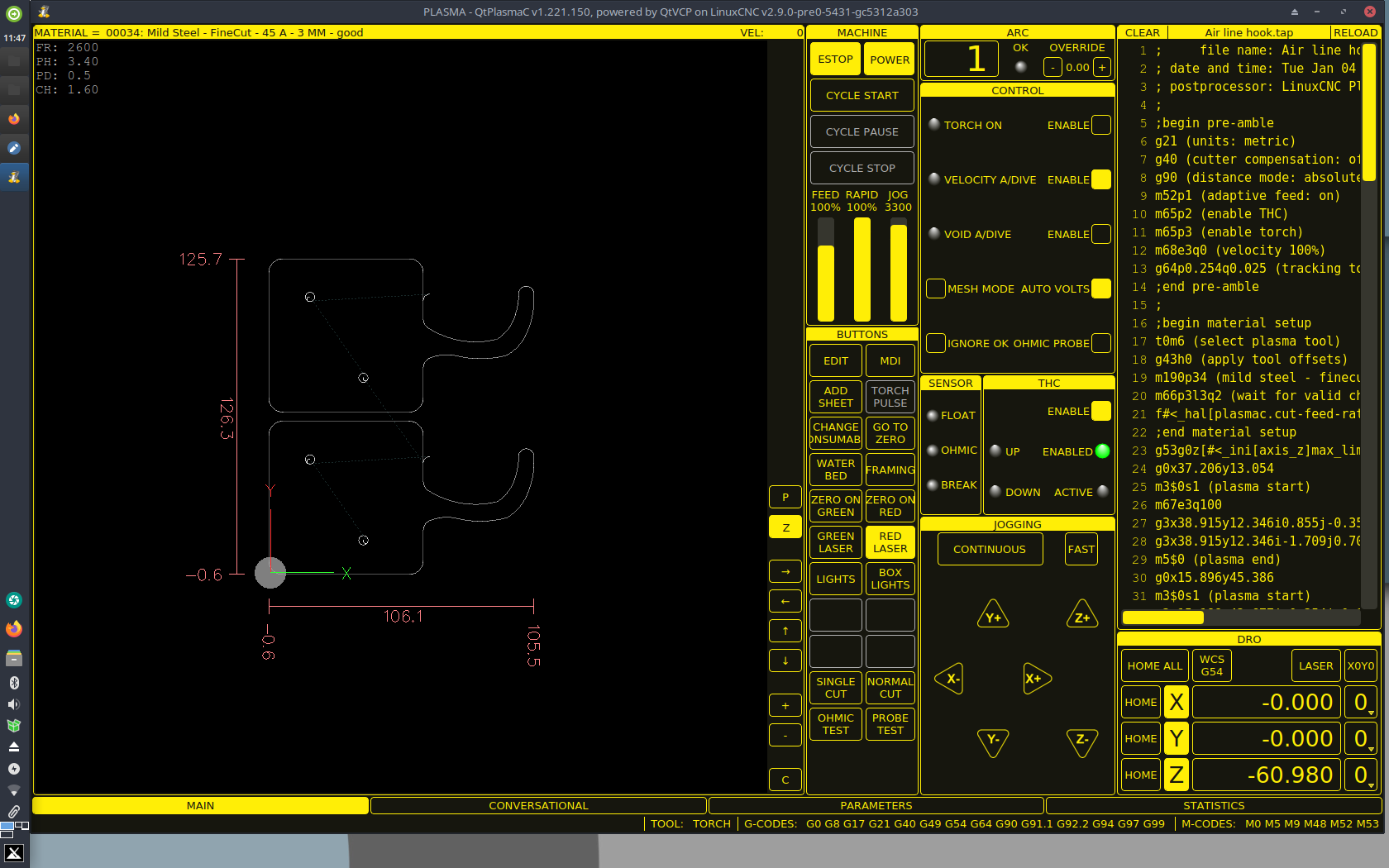
Try this button code, it ought to do what you're after (at least it did in a sim here
):
Code:BUTTON_7_NAME = ZERO ON\GREEN BUTTON_7_CODE = G10 L20 P0 X69.533 Y-9.724 \ G0 X0 Y0 BUTTON_8_NAME = ZERO ON\RED BUTTON_8_CODE = G10 L20 P0 X58.064 Y-25.190 \ G0 X0 Y0
Without seeing your g-code, assuming you're using the sheetcam post, if you remove these two lines from your g-code, you should be able to run whatever material is selected in the drop down above the graphics preview window:
(note that the lines may not be exactly this, and that XXX is the material number)
Code:m190pXXX m66p3l3q2
That ought to do it, but be sure to report back!
Please Log in or Create an account to join the conversation.
Please Log in or Create an account to join the conversation.
Please Log in or Create an account to join the conversation.
Thank You.The editor is abhorrent here. But The pics
did work at one point so I saw what you mean.
may be an issue in our end, I/we will get back to you.
I don’t know what you mean that you didn’t know I was editing each code after setting it up?
but you could edit the post processor to not include the two lines if you’d like.
my work flow is different, but there are many ways to skin the proverbial cat
Please Log in or Create an account to join the conversation.

Please Log in or Create an account to join the conversation.
